How to manage form size in Zapier
Here is how to manage form size in zapier
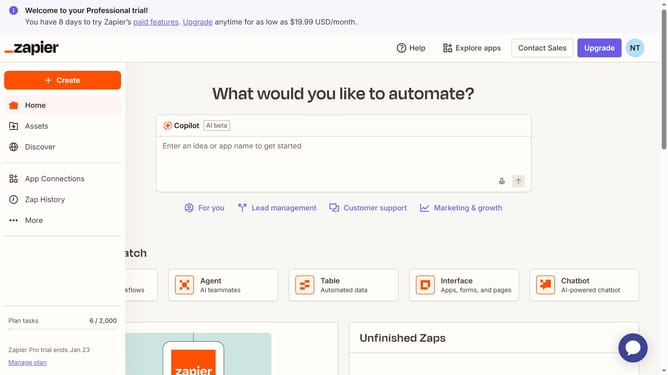
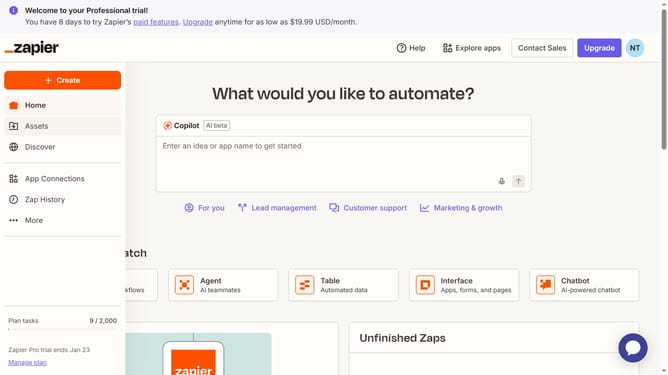
- First click on "Assets" in the left sidebar navigation menu
- Then click on "Forms" in the left sidebar submenu under Assets
- Then click on the name of the form you want to modify from the forms list
- Click the page name on the cards tab
- Then click on "Share" button in the top navigation bar
- Next click on "Embed" tab in the share dialog modal
- Then click on the "Page" dropdown menu in the embed settings
- Next select the page you want to modify from the page dropdown options
- Then click on the "Frame height" input field and modify the value
- Next click on the "Frame width" input field and modify the value
- Finally click on the "Done" button at the bottom of the share dialog
Why should you manage form size in Zapier
Zapier is an innovative platform designed to streamline workflows by automating the interaction between different applications.
Managing form size in Zapier is crucial for maintaining an organized and efficient workflow. By optimizing the size of forms, you can ensure that data is collected and processed smoothly within the integrations. This capability helps in avoiding clutter, which enhances clarity and usability in your automated processes.
Utilizing this feature can significantly improve productivity by allowing you to focus on more important tasks. It simplifies data management while ensuring that your automated workflows remain effective and reliable.
Last update