How to allow multiple link in a table in Zapier
Here is how to allow multiple link in a table in zapier
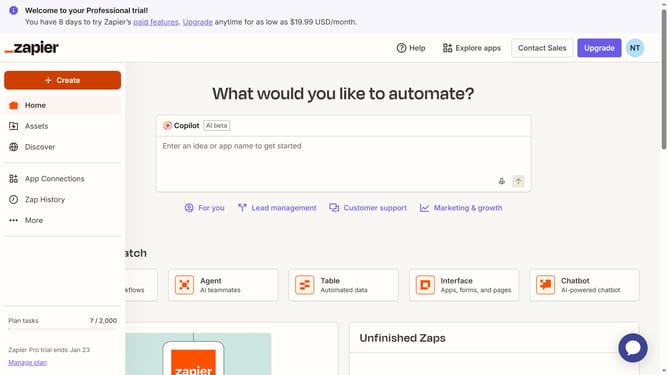
- First click on "Assets" in the left sidebar navigation menu
- Then click on "Tables" in the left sidebar under the Assets section
- Next click on the name of the table you want to open from the tables list
- Then click on the column header to open the field options menu
- Next click on "Edit field" option from the dropdown menu
- Then click on the "Allow multiple links" checkbox in the Settings panel
- Finally click on the "Save" button to confirm the changes
Why should you allow multiple link in a table in Zapier
Zapier is an innovative automation platform designed to streamline workflows by connecting your favorite apps.
Allowing multiple links in a table within Zapier enhances the capability to manage complex data efficiently.
This feature offers significant flexibility, enabling seamless integration of varied data resources without hassle.
By leveraging multiple links, users can maintain organized data structures, leading to more informed decision-making and smoother operations.
Last update