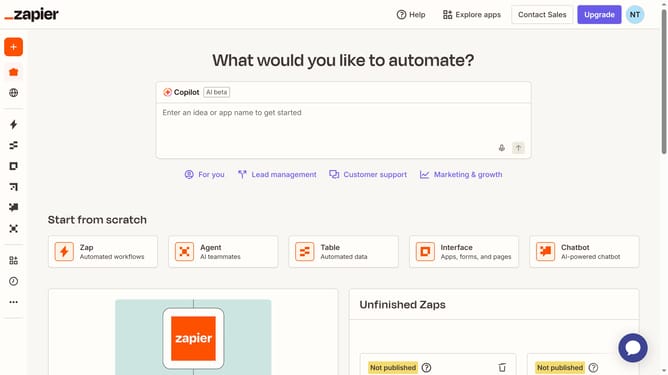
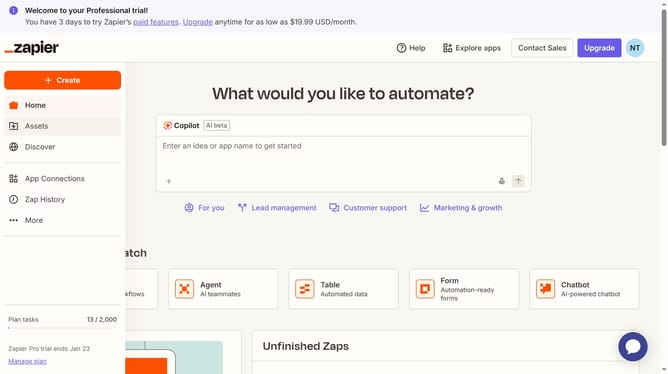
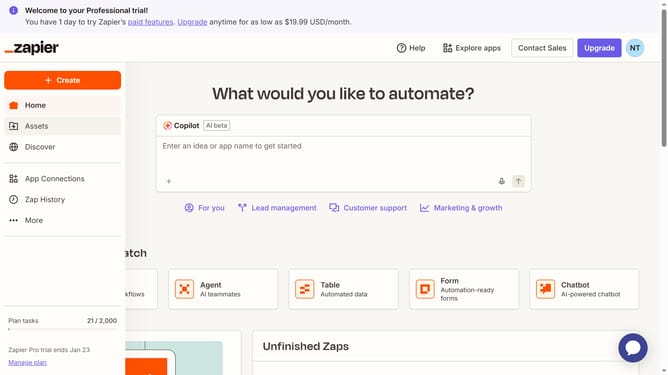
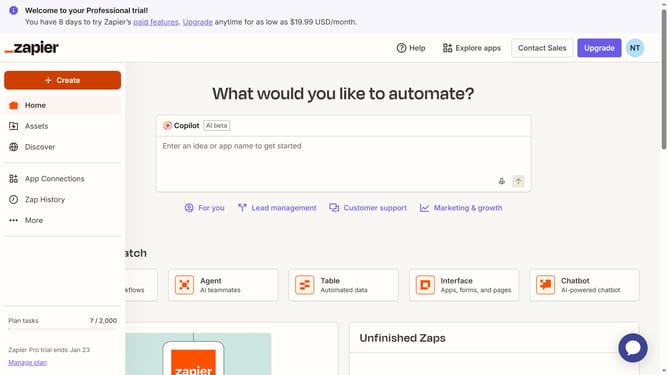
How to check task usage in the free plan in Zapier
Here is how to check task usage in the free plan in zapier
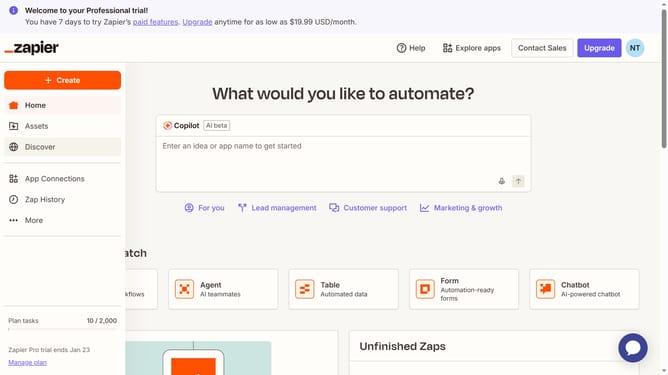
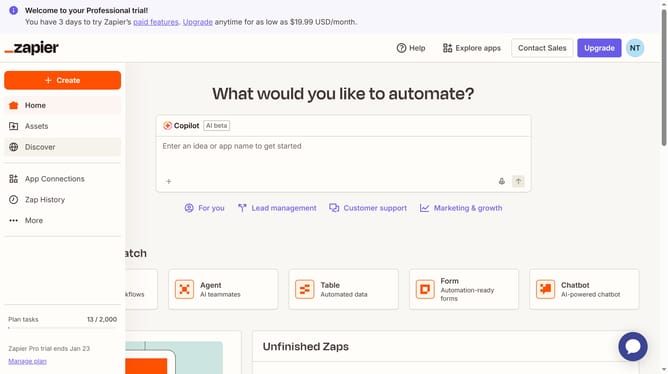
- First click on "Assets" link in the left sidebar
- Then click on a folder in the folders list
- Next click on the three-dot menu button in the row of "Google Calendar to Docs" zap
- Then click on "View history" option in the dropdown menu
- Next click on "Task usage" tab in the Zap history section
- Finally view the task usage history of the Zap
Why should you check task usage in the free plan in Zapier
Zapier is a dynamic online tool that connects your favorite apps and automates workflows seamlessly.
Monitoring task usage on the free plan in Zapier is essential for optimizing efficiency and is a breeze with its user-friendly interface. This feature offers a snapshot of how many tasks you've used out of your monthly limit.
By keeping track of your task usage, you can refine processes, ensuring you never run out of tasks unknowingly. It's an invaluable feature for staying productive and maximizing your free plan benefits.
Last update