How to add a multiple URL field in a form in Zapier
Here is how to add a multiple url field in a form in zapier
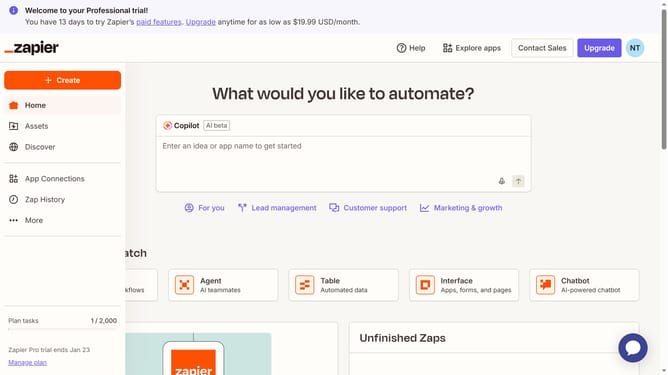
- First click on "Assets" in the left sidebar navigation menu
- Then click on "Forms" in the left sidebar navigation menu
- Next click on the form you want to edit from the list to open it
- Then click on the form card in the Pages section
- Next click on "Add field" button in the form editor toolbar
- Click on the "Field name in Table" tab and enter the field title in the field
- Next click on the "Type" dropdown menu to expand field type options
- Then select "Multiple URLs" option from the Type dropdown menu
- Finally click on "Create field" button at the bottom of the right panel
Why should you add a multiple URL field in a form in Zapier
Zapier is a seamless automation tool designed to connect your favorite apps and streamline workflows effortlessly.
The ability to add a multiple URL field to a form within Zapier enhances data collection by allowing users to input several web addresses at once. This feature is particularly beneficial for projects that require gathering multiple resources or references, optimizing data input efficiency.
Incorporating this feature into your workflows saves time and minimizes manual input errors, boosting productivity and ensuring data accuracy all at once.
Last update