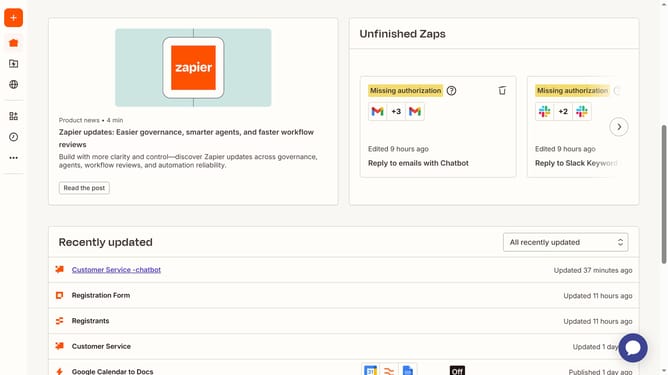
How to configure chatbot greetings in Zapier
Here is how to configure chatbot greetings in zapier
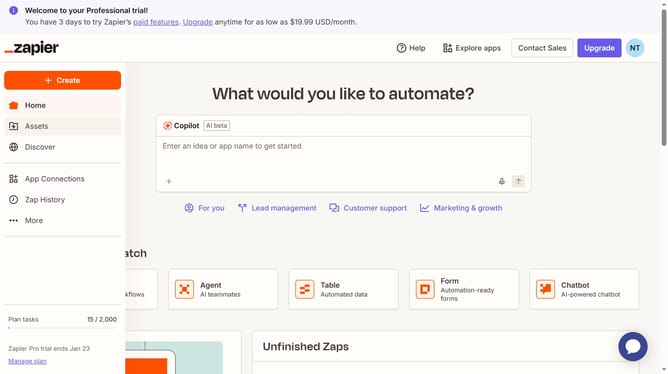
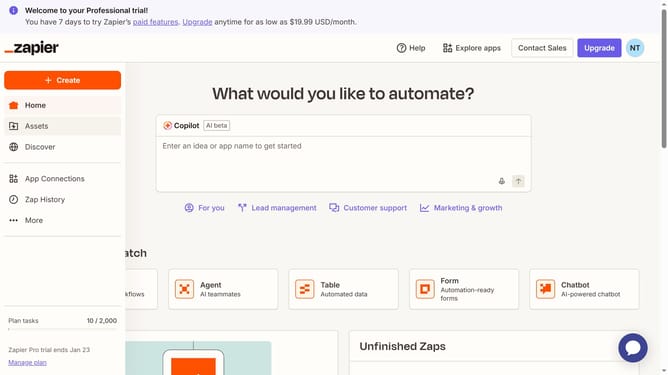
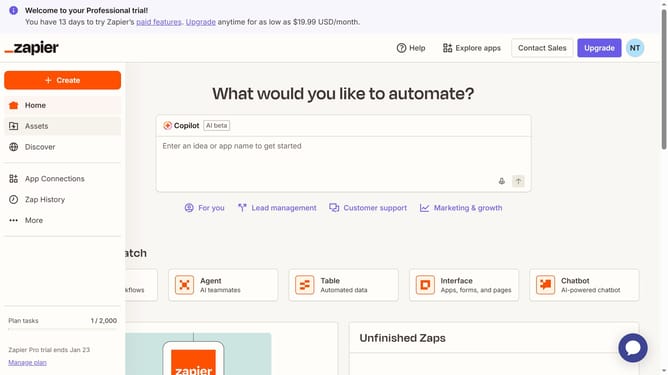
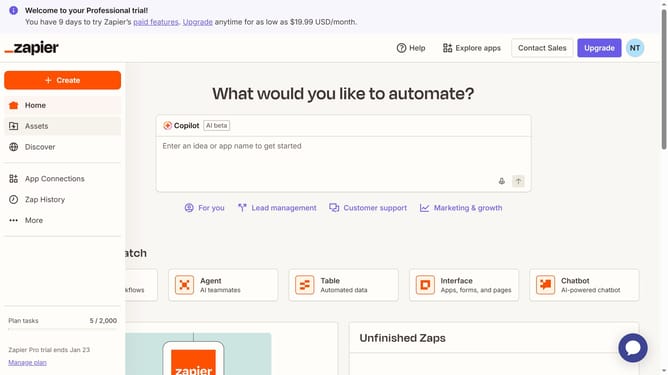
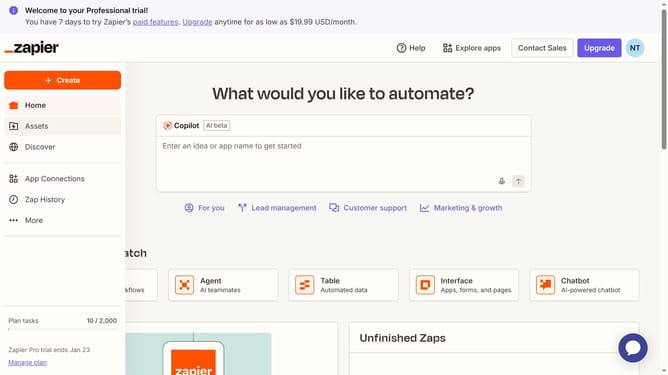
- First click on "Assets" in the left sidebar navigation menu
- Then click on "Chatbots" in the left sidebar navigation menu under Assets section
- Next click on the chatbot name in the chatbots list
- Then click on the greeting text field in the Instructions section to edit it and enter your greeting
- Finally click on the "Save changes" button at the bottom of the Instructions panel
Why should you configure chatbot greetings in Zapier
Zapier is a powerful automation tool that connects your favorite apps and optimizes your workflow effortlessly.
Configuring chatbot greetings in Zapier is a fantastic feature that enhances your customer interaction right from the start. By personalizing these greetings, businesses can create a warm and welcoming atmosphere for users, improving their engagement and satisfaction.
This approach not only saves time by automating introductory communications but also ensures consistency in messaging, helping to build and maintain a strong brand presence.
Last update