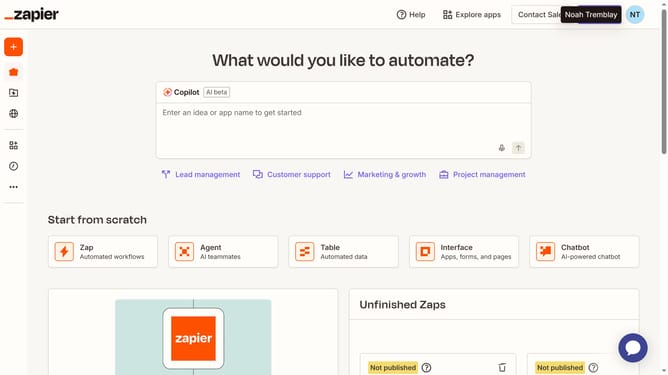
How to manage currency format in a table in Zapier
Here is how to manage currency format in a table in zapier
- First click on "Assets" in the left sidebar navigation menu
- Then click on "Tables" in the left sidebar navigation menu
- Then click on the table name in the main content area
- Then click on the currency column header to open the column menu
- Then click on "Edit field" option in the dropdown menu
- Then click on the "Format" dropdown field in the Edit field panel
- Then select your preferred format from the Format dropdown menu
- Finally click on "Save" button at the bottom of the Edit field panel
Why should you manage currency format in a table in Zapier
Zapier is a powerful tool that connects your favorite apps to automate workflows effortlessly.
Managing currency formats in a table on Zapier makes financial data integration seamless and consistent.
This feature ensures that as data flows between apps, your currency figures are automatically formatted, eliminating confusion and maintaining accuracy.
Ultimately, this capability boosts productivity by saving time otherwise spent on manual corrections.
Last update