How to view zap change history in Zapier
Here is how to view zap change history in zapier
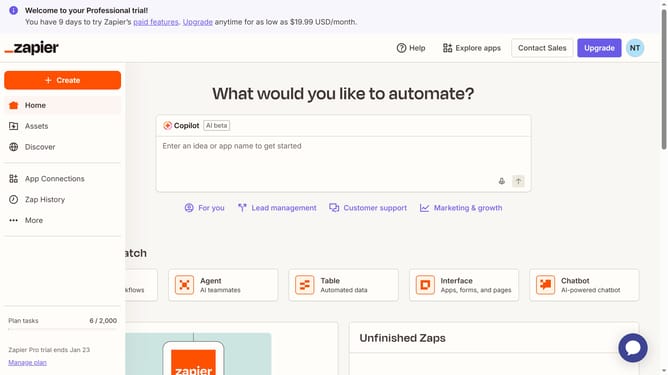
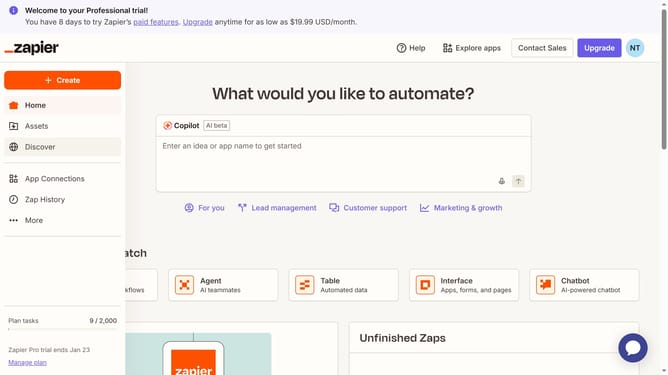
- First click on the "Assets" link in the left sidebar navigation menu
- Then click on the "Zaps" item in the left sidebar submenu under Assets
- Next click on the link of the zap name in the main content area to view
- Finally click on the "Change history" button in the left sidebar
Why should you view zap change history in Zapier
Zapier serves as an automation hub, seamlessly connecting your favorite apps and streamlining workflows.
The ability to view zap change history in Zapier is an invaluable feature for users keen on maintaining workflow integrity. It allows you to effortlessly track modifications in automation setups, ensuring every step aligns with your intentions.
By understanding these changes, you can swiftly identify and rectify errors, boosting overall efficiency and saving time.
Ultimately, zap change history enhances your confidence in the automated processes you've crafted, offering peace of mind and greater transparency.
Last update