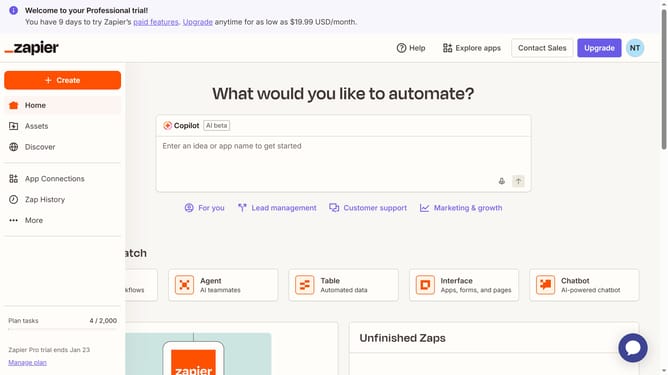
How to update timezone in Zapier
Here is how to update timezone in zapier
- First click on the profile icon in the top-right header
- Then click on the "Settings" option in the dropdown menu
- Next click on the "Timezone" dropdown field in the My profile section
- Then select your timezone from the timezone dropdown list
- Finally click on the "Save changes" button to apply the new timezone setting
Why should you update timezone in Zapier
Zapier is a powerful tool that effortlessly connects your favorite apps to automate workflows seamlessly.
Updating your timezone in Zapier is an impactful feature that ensures your automated tasks execute in perfect alignment with your local time. This adjustment translates to enhanced precision as you manage and integrate various tasks across global apps.
With correct timezone settings, you gain the benefit of timely data processing and reporting, leading to more synchronized and efficient operations across different regions and teams.
Last update