How to view task history in Zapier
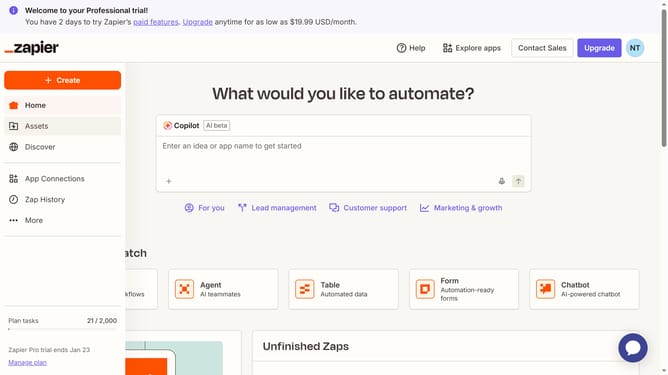
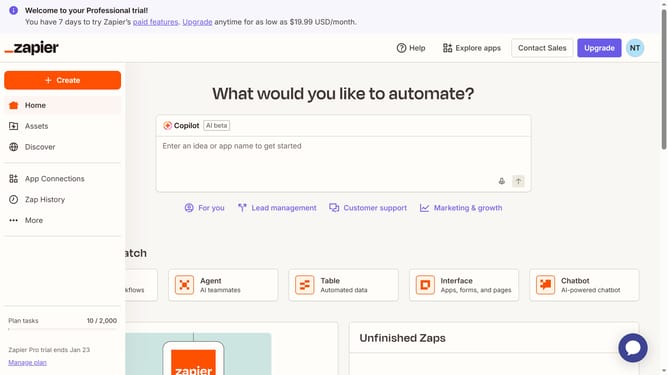
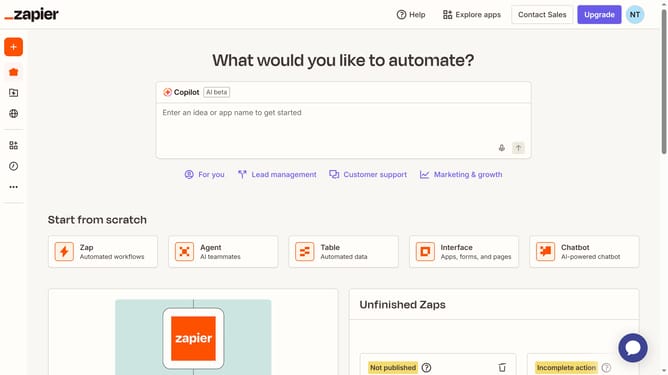
Here is how to view task history in zapier
- First click on the your profile icon in the top right corner of the header
- Then click on the "Settings" option in the dropdown menu
- Next click on the "Billing and usage" option in the left sidebar
- Then click on the "Usage insights Beta" tab in the top navigation
- Finally click on the "View task history" button in the upper right area of the page to view your history
Why should you view task history in Zapier
Zapier is a powerful automation tool that connects your favorite apps ensuring seamless workflow integration.
Viewing task history in Zapier allows you to track all automated activities efficiently, offering insights into completed and pending tasks.
This feature adds transparency to your processes, helping to pinpoint issues and optimize workflows.
Keeping a detailed log ensures that your automations are running smoothly, making it easier to maintain productivity and resolve any discrepancies quickly.
Last update