How to manage time format in a table in Zapier
Here is how to manage time format in a table in zapier
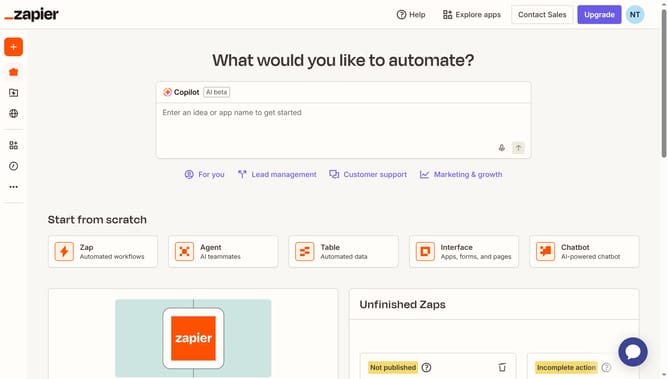
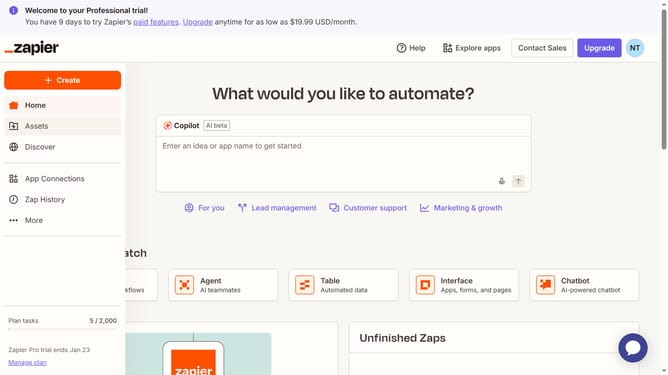
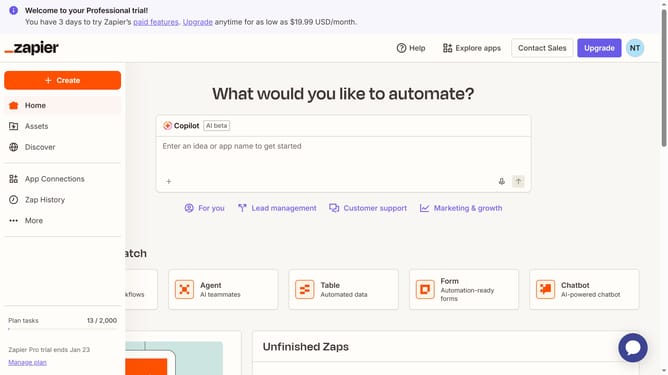
- First click on "Assets" in the left sidebar
- Then click on "Tables" in the left sidebar menu
- Next click on "To-do list template" table link
- Then click on the column header
- Next click on "Edit field" option in the dropdown menu
- Then click on the "Time format" dropdown field
- Next select your preferred format option from the dropdown
- Finally click on "Save" button to confirm changes
Why should you manage time format in a table in Zapier
Zapier is a powerful tool for automating workflows by connecting various apps together.
One of the handy features in Zapier is managing time formats within a table, which provides clarity and consistency in data handling. By standardizing time formats, users ensure smooth operations and accurate data representation across platforms.
Utilizing this feature not only improves data accuracy but also enhances collaboration by maintaining a universal time format, reducing confusion and increasing efficiency in task management.
Last update