How to remove an item in a dropdown table in Zapier
Here is how to remove an item in a dropdown table in zapier
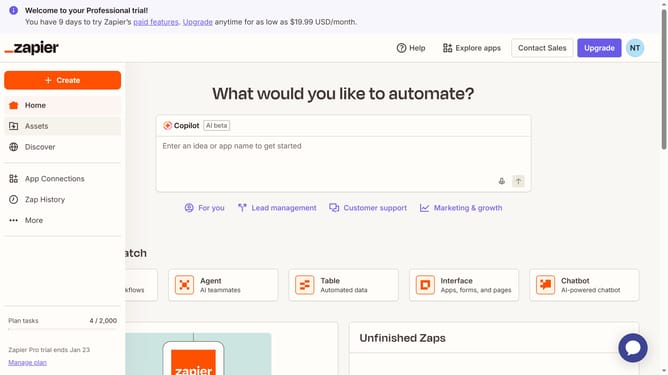
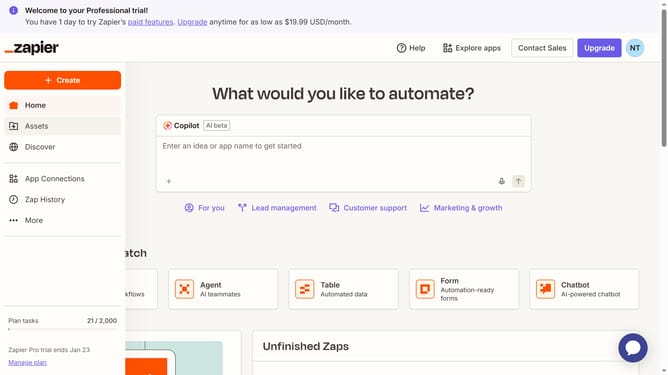
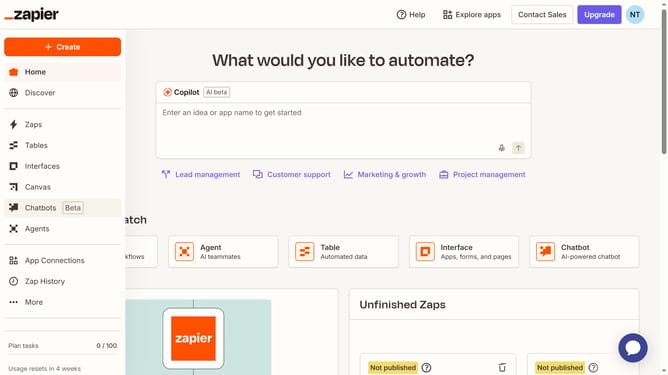
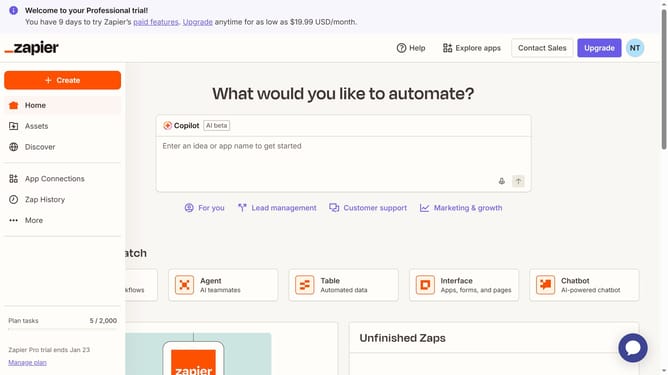
- First click on "Assets" link in the left sidebar
- Then click on "Tables" item in the left sidebar
- Next click on the table name in the main content area
- Then click on the column header in the table
- Next click on "Edit field" option in the dropdown menu
- Then click on the delete button (X) next to the item you want to delete
- Finally click on the "Save" button at the bottom of the form
Why should you remove an item in a dropdown table in Zapier
Zapier is a powerful automation tool designed to connect your favorite apps and streamline workflows effortlessly.
Removing an item from a dropdown table in Zapier is a feature that allows you to customize and refine your data selection process. This feature ensures your workflows stay relevant and concise, reflecting only the most necessary data.
By using this feature, you simplify your automation tasks and enhance the accuracy of your operations, making your automated systems more efficient and tailored to your evolving needs.
Last update