How to add a currency field in a table in Zapier
Here is how to add a currency field in a table in zapier
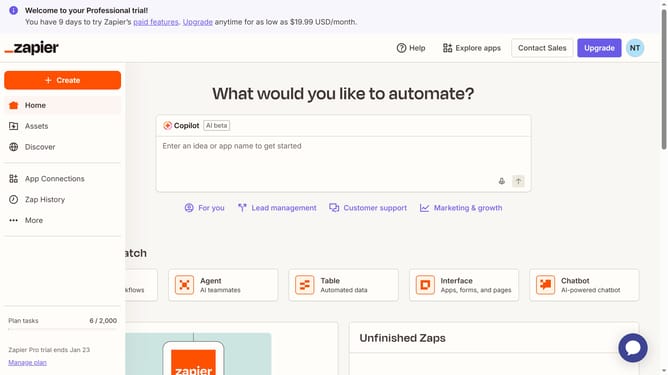
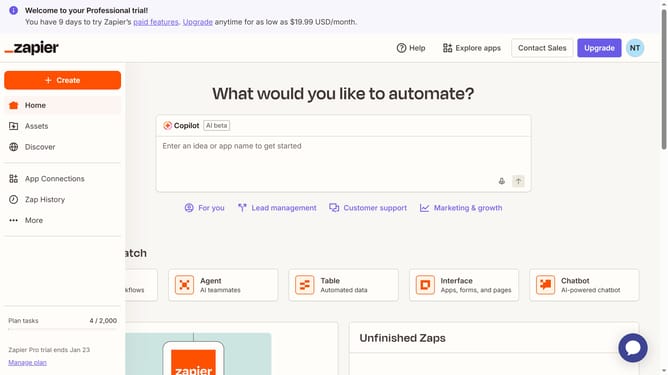
- First click on "Assets" link in the left sidebar
- Then click on "Tables" item in the left sidebar
- Next click on the table link in the main content area
- Then click on "Add field" button in the top right area of the table view
- Next click on "Currency" option in the field type dropdown menu
- Then enter the column header name in the "Name" text field in the Create field panel
- Finally click on "Create" button at the bottom of the Create field panel
Why should you add a currency field in a table in Zapier
Zapier is a dynamic platform designed to connect different apps and automate workflows seamlessly.
Adding a currency field in a table within Zapier can streamline financial processes, which is crucial for businesses managing transactions and budgets across multiple currencies. This feature allows users to maintain consistent and accurate financial data, reducing the likelihood of errors that often accompany manual entries.
By using a currency field, businesses can enhance their financial tracking and reporting capabilities, thus empowering them to make informed decisions swiftly and with greater accuracy.
Last update