How to change border style in chatbot in Zapier
Here is how to change border style in chatbot in zapier
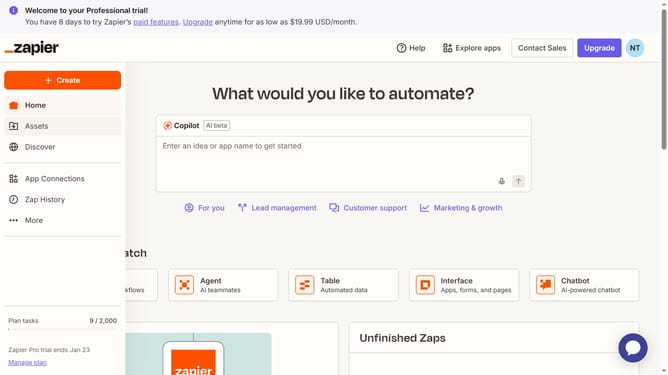
- First click on "Assets" in the left sidebar navigation menu
- Then click on "Chatbots" in the left sidebar under the Assets section
- Next click on the chatbot name in the chatbots list
- Then click on "Theme" in the left sidebar Build section
- Next scroll down and click on the "Border roundness" dropdown menu in the App style section
- Then click on the border roundness dropdown menu
- Select from the available options from the dropdown menu.
- Finally click on the "Save changes" button at the bottom of the Theme settings panel
Why should you change border style in chatbot in Zapier
Zapier is a dynamic platform designed to streamline your workflow by automating repetitive tasks.
One useful feature in Zapier's chatbot functionality is the ability to change the border style. This feature allows users to effortlessly customize the visual appeal of their chatbot, aligning it with brand aesthetics or personal taste.
Enhancing your chatbot's appearance by altering its border style can lead to a more engaging and personalized user experience. By ensuring consistency in design, it helps in reinforcing brand identity and capturing the audience's attention.
Last update