How to manage layout of the canvas components in Zapier
Here is how to manage layout of the canvas components in zapier
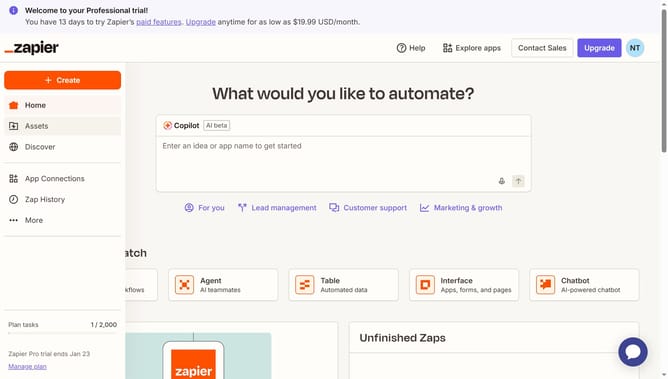
- First click on "Assets" in the left sidebar navigation menu
- Then click on "Canvases" in the left sidebar navigation menu
- Next click on the canvas name that you want to open from the main content area
- Then click on the zoom percentage dropdown button in the top toolbar
- Finally click from the "Auto layout" option from the zoom menu
Why should you manage layout of the canvas components in Zapier
Zapier is a powerful automation tool that seamlessly connects your favorite apps to streamline workflows.
Managing the layout of canvas components in Zapier allows you to organize and visualize data flows intuitively. This feature enhances clarity in your automation sequences, helping you to pinpoint and prioritize tasks efficiently.
With a customizable layout, you can tailor your workspace to match your specific needs, leading to quicker decision-making and a clearer understanding of complex processes, effortlessly improving your productivity.
Last update