How to manually sync a knowledge source in chatbot in Zapier
Here is how to manually sync a knowledge source in chatbot in zapier
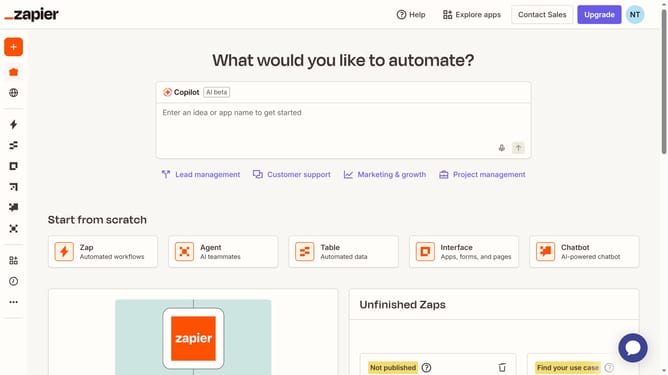
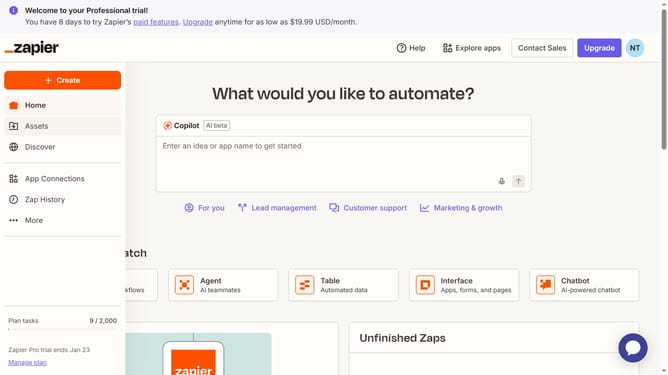
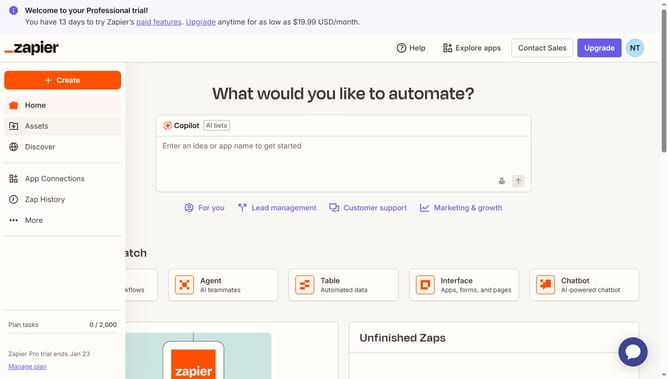
- First click on "Assets" in the left sidebar navigation menu
- Then click on "Chatbots" in the left sidebar navigation menu under Assets section
- Next click on the link of the chatbot you want to open from the chatbots list table
- Then click on "Knowledge" in the left sidebar navigation menu under Build section
- Next click on the three-dot menu button for the table row that you want to sync in the knowledge sources list
- Finally click on "Sync now" option in the dropdown menu that appeared
Why should you manually sync a knowledge source in chatbot in Zapier
Zapier is a powerful automation tool designed to connect your apps and streamline workflows effortlessly.
Manually syncing a knowledge source in a chatbot through Zapier ensures that your chatbot is always using the most current information available. This feature is essential for maintaining accuracy and relevance in the responses your chatbot provides.
By doing so, you not only improve user satisfaction but also enhance the overall efficiency of your customer support process.
Last update