How to duplicate a table in Zapier
Here is how to duplicate a table in zapier
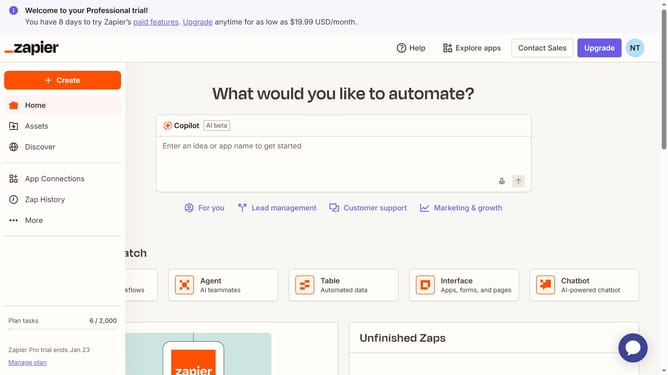
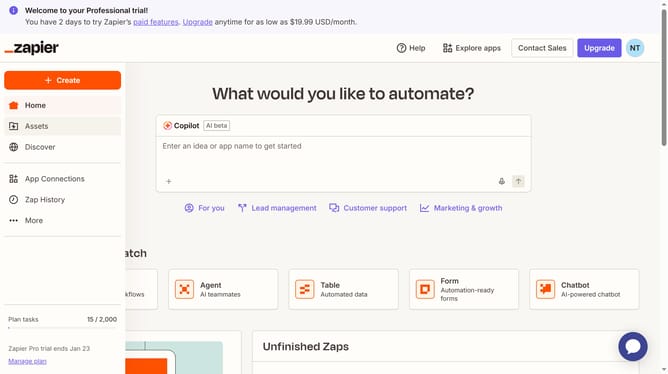
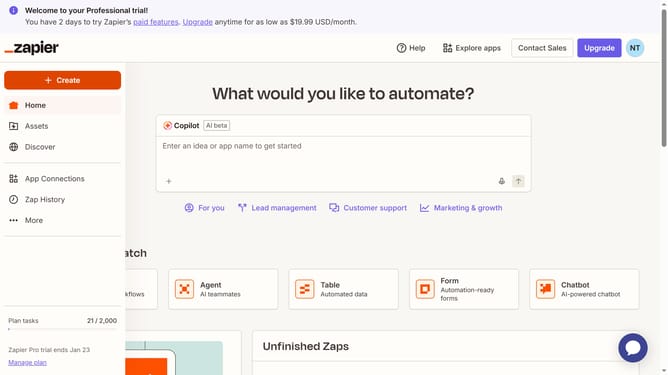
- First click on "Assets" link in the left sidebar
- Then click on "Tables" item in the left sidebar navigation menu
- Next click the three dots icon at the far right row of the table you want to duplicate
- Finally click on "Duplicate" option from the table actions dropdown menu
Why should you duplicate a table in Zapier
Zapier is a powerful automation platform that connects your favorite apps to streamline workflows.
Duplicating a table in Zapier allows for the seamless replication of data structures without manual re-entry, saving time and preventing errors.
This feature is especially beneficial for users managing similar datasets across multiple tasks or projects, ensuring consistency and uniformity.
By handling data duplication efficiently, users can focus on optimizing their processes rather than repetitive data management.
Last update