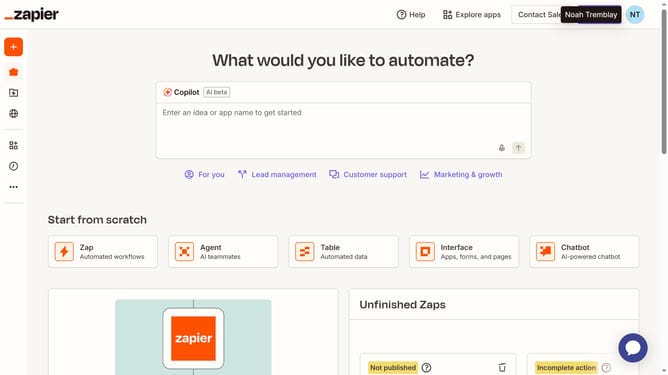
How to add a checklist column in a table in Zapier
Here is how to add a checklist column in a table in zapier
- First click on "Assets" link in the left sidebar
- Then click on "Tables" item in the left sidebar
- Next click on the link of the table you want to open in the main content area
- Then click on "Add field" button in the top toolbar
- Next click on "Checkbox" field type option in the dropdown menu
- Then click and enter the field name in the Name field area
- Finally click on "Create" button to create the new field
Why should you add a checklist column in a table in Zapier
Zapier is a powerful automation tool that connects your favorite apps to streamline workflows and boost productivity.
Adding a checklist column in a table within Zapier enhances organization by allowing you to track progress and ensure task completion effortlessly.
This feature is invaluable for users managing projects or complex workflows, as it offers visual cues and promotes accountability.
The seamless integration and flexible nature of Zapier make it easy to incorporate checklist columns, tailoring them to suit individual or team needs, ultimately enhancing efficiency and clarity.
Last update