How to manage date format in a table in Zapier
Here is how to manage date format in a table in zapier
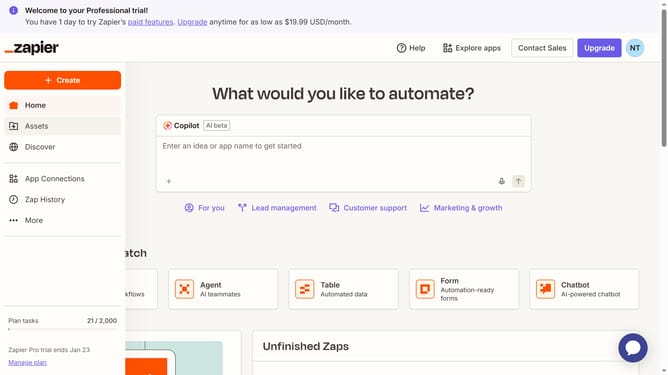
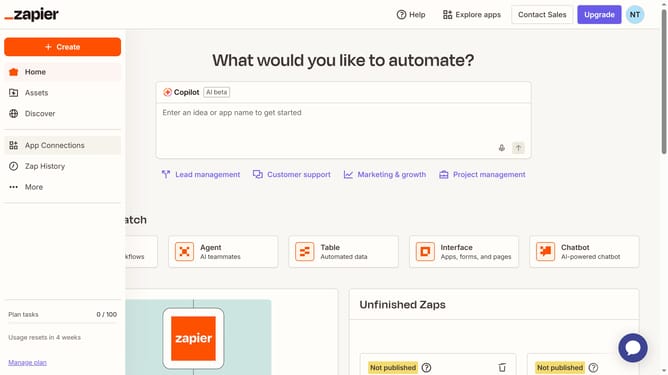
- First click on "Assets" in the left sidebar navigation menu
- Then click on "Tables" in the left sidebar navigation menu
- Next click on the table name in the main content area
- Then click on the "Date" column header to open the column menu
- Next click on "Edit field" option in the dropdown menu
- Then click on the "Date format" dropdown field in the field settings panel
- Next select your preferred format from the date format dropdown menu
- Finally click on the "Save" button at the bottom of the field settings panel
Why should you manage date format in a table in Zapier
Zapier is a versatile automation tool that seamlessly connects your favorite apps to streamline workflows.
Managing date formats in a table within Zapier is a simple yet powerful feature that enhances data consistency across applications. This capability allows you to customize date formats to fit any regional preference or specific business requirement.
When managing date formats, you ensure accuracy and uniformity in your data, reducing the risk of errors and improving the clarity of your reports. This feature is essential for maintaining professional and coherent data structures in any automated process.
Last update