How to disconnect apps in the free plan in Zapier
Here is how to disconnect apps in the free plan in zapier
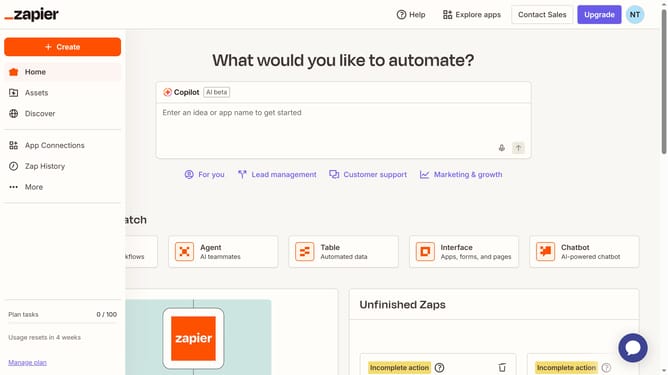
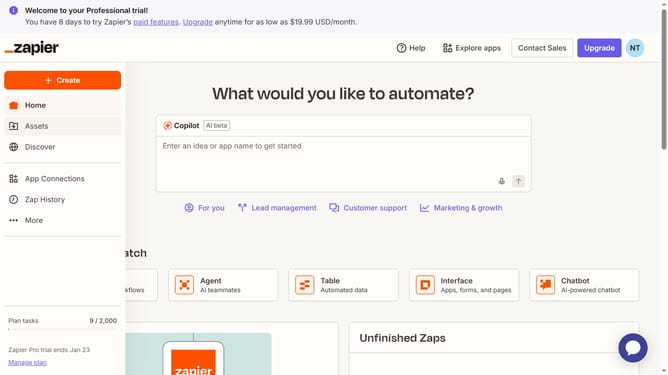
- First click on "App Connections" in the left sidebar navigation menu
- Then click on the three dots icon next to the app you want to disconnect
- Next click on "Delete" option from the dropdown menu
- Finally click on "Delete connection" button in the confirmation dialog
Why should you disconnect apps in the free plan in Zapier
Zapier is a powerful tool designed to automate tasks by connecting your apps seamlessly.
In the free plan, disconnecting apps allows users to simplify their workflows efficiently. This feature helps manage your connected apps easily, ensuring you only keep what you truly need.
By disconnecting unnecessary apps, you streamline processes, reduce potential errors, and maintain focus on tasks that matter. Enjoy a clutter-free environment that enhances productivity and minimizes distractions.
Last update