How to add a table in a canvas in Zapier
Here is how to add a table in a canvas in zapier
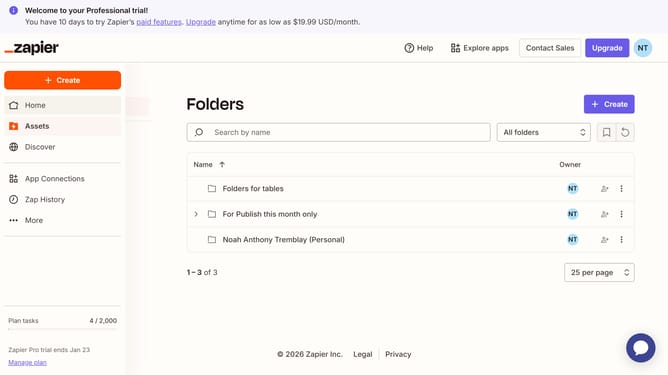
- First click on "Assets" in the left sidebar navigation menu
- Then click on "Canvases" in the left sidebar navigation menu
- Next click on canvas name that you want to open from the list of canvases
- Then click on "Table" icon in the bottom toolbar under Zapier Assets section
- Finally drag and drop the table element onto the canvas workspace
Why should you add a table in a canvas in Zapier
Zapier connects your apps and automates workflows seamlessly.
Adding a table in a canvas within Zapier boosts organizational efficiency by allowing users to visually categorize and correlate data efficiently.
This feature helps streamline work processes with its intuitive design, supporting dynamic project management and creativity.
Utilizing tables within your Zapier canvas can significantly enhance decision-making and team collaboration by presenting critical data clearly and coherently.
Last update