How to rename a form in Zapier
Here is how to rename a form in zapier
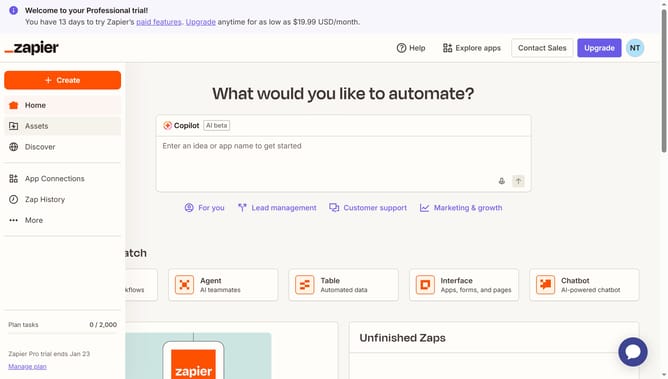
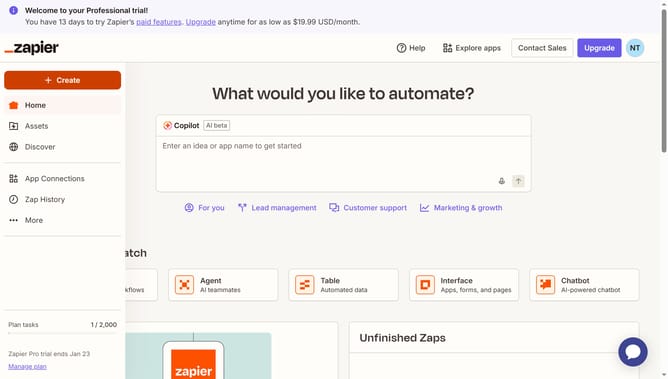
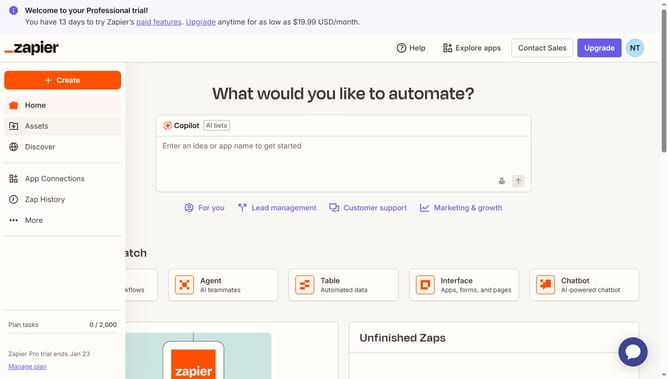
- First click on "Assets" link in the left sidebar
- Then click on "Forms" item in the left sidebar
- Next scroll the list to the right
- Then click on the three-dot menu button across the form that you want to rename
- Next click on "Rename" option from the dropdown menu
- Then click on the name input field and enter the new name
- Finally click on "Save" button to confirm the rename
Why should you rename a form in Zapier
Zapier is a powerful automation tool that connects your favorite apps and services to streamline workflows.
Renaming a form in Zapier enhances your organizational efficiency. By clearly labeling forms, you can easily identify and manage them in complex workflows.
This feature increases productivity by reducing confusion and allowing swift navigation through multiple processes. Seamlessly updating form names keeps your automations neat and efficient, leading to more effective task management.
Last update