How to get a public link for a canvas in Zapier
Here is how to get a public link for a canvas in zapier
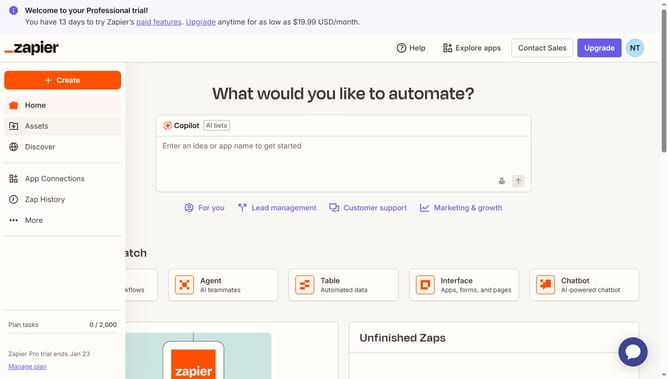
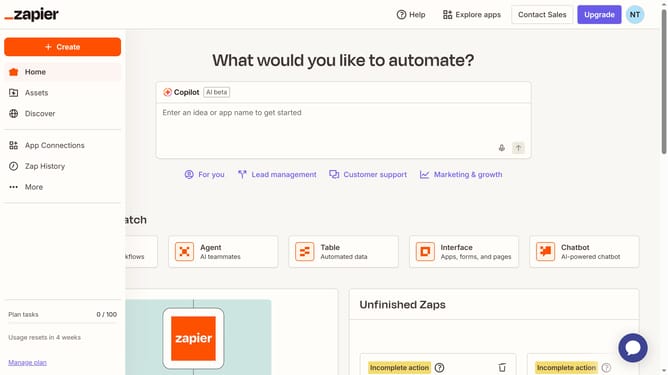
- First click on "Assets" in the left sidebar navigation menu
- Then click on "Canvases" in the left sidebar navigation menu
- Next click on the canvas name that you want to open from the main content area
- Then click on "Share" button in the top right header area
- Next click on "Public link" tab in the share dialog modal
- Finally click on the copy button next to the public link URL in the share dialog
Why should you get a public link for a canvas in Zapier
Zapier is a powerful automation tool that connects your favorite apps to streamline workflows effortlessly.
The feature allowing you to get a public link for a canvas in Zapier is an essential asset for team collaboration and transparency.
By sharing this link securely, you enable team members or stakeholders to view the canvas without any access barriers.
This approach enhances visibility, supports efficient decision-making, and fosters a unified understanding of processes across your organization.
Last update