How to manage decimals in a number field in a table in Zapier
Here is how to manage decimals in a number field in a table in zapier
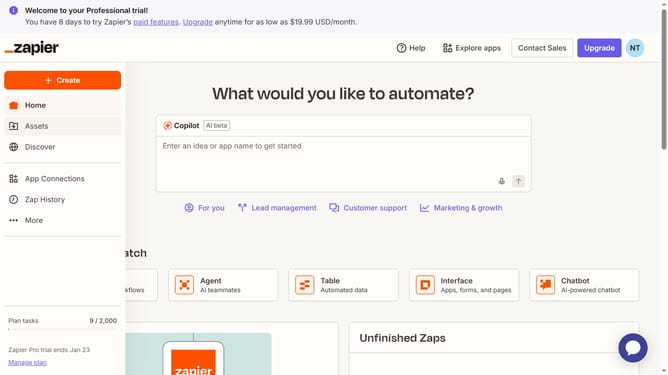
- First click on "Assets" link in the left sidebar
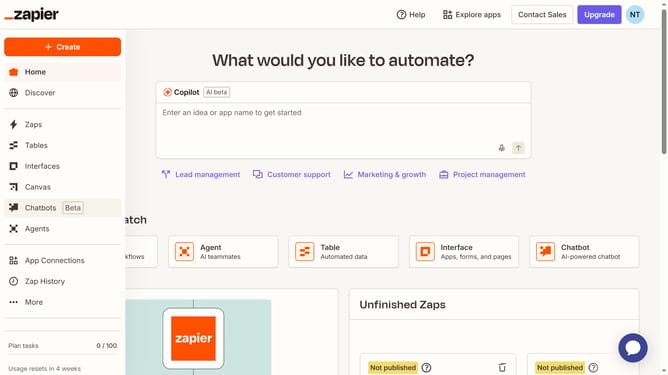
- Then click on "Tables" item in the left sidebar navigation
- Next click on the table link in the main content area
- Then click on the number column header in the table
- Next click on the "Decimals" dropdown field in the settings panel
- Then select your preferred option from the decimals dropdown menu
- Next click on the "Save" button at the bottom of the settings panel
- Finally click anywhere in the table area to close the settings panel
Why should you manage decimals in a number field in a table in Zapier
Zapier seamlessly automates workflows by connecting your favorite apps and services.
Managing decimals in a number field within a table in Zapier offers precision and flexibility. This feature ensures that numerical data is accurately represented, accommodating any required level of detail.
Precision in handling decimal numbers is essential for fields such as finance, data analysis, or any scenario where exact figures matter. This feature simplifies data integration, eliminating discrepancies that could disrupt automated workflows.
By maintaining consistency and accuracy, this capability enhances data integrity across connected applications, making workflows more efficient and reliable.
Last update