How to delete chatbots in Zapier
Here is how to delete chatbots in zapier
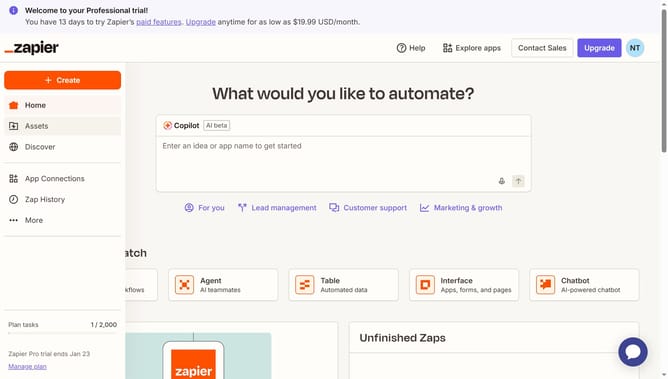
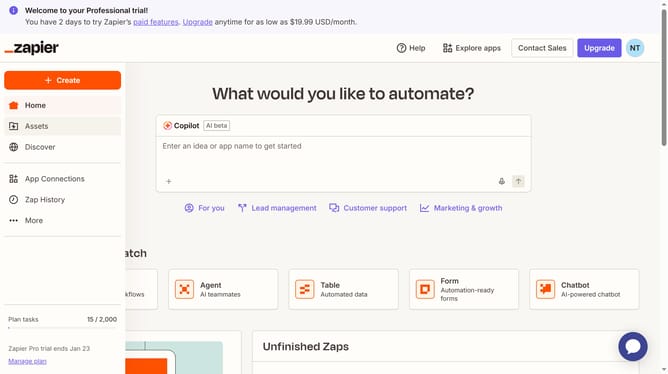
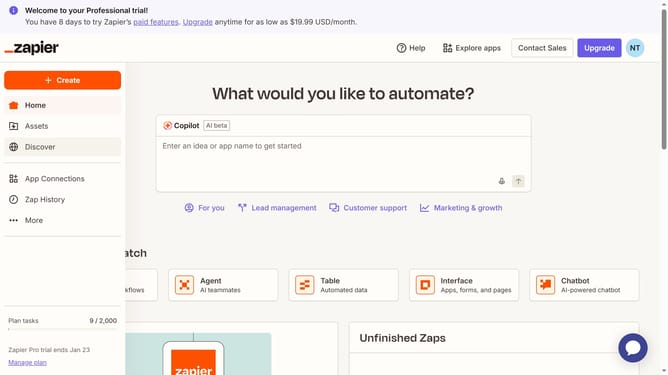
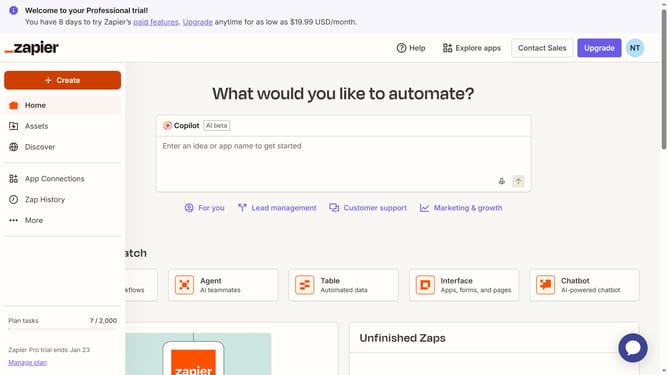
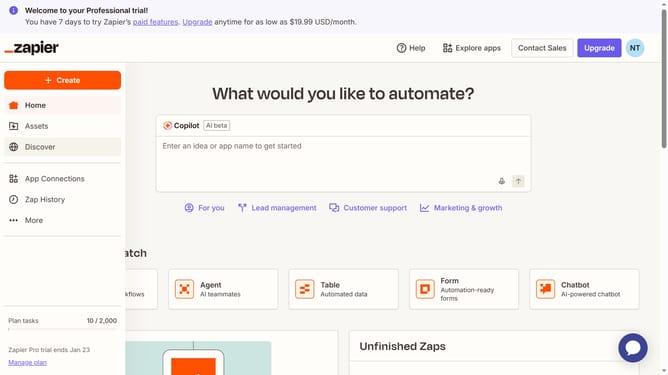
- First click on "Assets" in the left sidebar navigation menu
- Then click on "Chatbots" in the left sidebar under the Assets section
- Next click on the three dots icon for the chatbot you want to delete
- Then select "Delete" option from the dropdown menu
- Finally click on the "Delete" button in the confirmation dialog to permanently delete the chatbot
Why should you delete chatbots in Zapier
Zapier is a powerful automation tool that connects your favorite apps, enabling seamless workflows.
Managing chatbots in Zapier is a breeze, as it empowers you to delete bots whenever necessary, keeping your automation portfolio agile and relevant.
This feature ensures that outdated or unnecessary chatbots don't clutter your system, allowing you to maintain a clean and efficient setup.
By deleting chatbots in Zapier, you enhance your workflow's effectiveness, ensuring each tool aligns perfectly with your current needs and objectives.
Last update