How to manage captcha requirement of a form in Zapier
Here is how to manage captcha requirement of a form in zapier
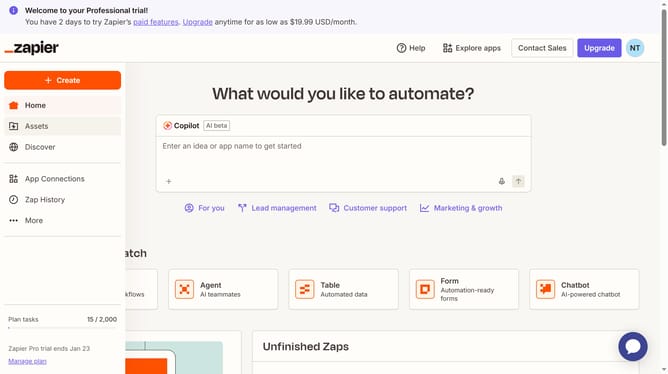
- First click on "Assets" in the left sidebar
- Then click on "Forms" in the left sidebar menu
- Then click on the name of the form you want to modify from the forms list
- Then click on the card in the Pages section to view the form page
- Next click on the "Access & users" icon in the left sidebar to open access settings
- Next click on the "CAPTCHA" toggle switch to enable it
- Finally click on "Save changes" button to apply the changes
Why should you manage captcha requirement of a form in Zapier
Zapier streamlines workflows by connecting apps and automating tasks seamlessly.
Navigating the captcha requirement of a form in Zapier enhances security without sacrificing user experience. By effectively managing captcha, users can automate form submissions while ensuring data integrity and protection against spam.
This feature underscores Zapier's commitment to safeguarding user interactions, allowing businesses to focus on what truly matters: growth and efficiency. Adopting this approach enhances both operational security and productivity.
Last update