How to change public name in a chatbot in Zapier
Here is how to change public name in a chatbot in zapier
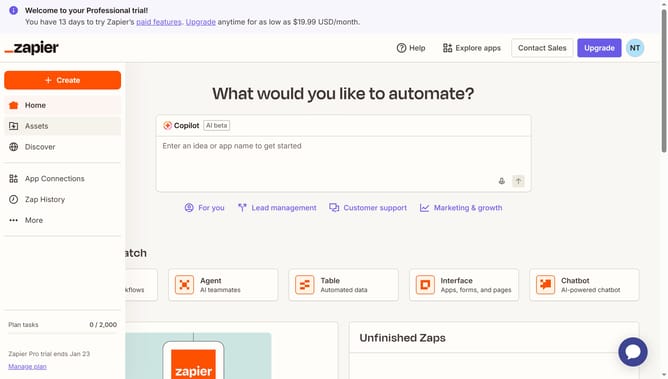
- First click on "Assets" in the left sidebar navigation menu
- Then click on "Chatbots" in the left sidebar under the Assets section
- Next click on the chatbot name that you want to open from the chatbots list
- Then click on "Settings" in the left sidebar under the Build section
- Next click on the "Public name" text field and modify the chatbot name
- Finally click on "Save changes" button at the bottom of the settings form
Why should you change public name in a chatbot in Zapier
Zapier is an automation powerhouse that connects your favorite apps, streamlining workflows effortlessly.
In Zapier, changing the public name of a chatbot is a feature that adds a personal touch to automated interactions. By customizing the naming, businesses can align their bot’s identity with their brand voice, enhancing user engagement.
Utilizing this feature promotes a seamless and identifiable communication channel, fostering trust and familiarity among users. The ability to personalize chatbot names not only strengthens brand recognition but also enriches the overall customer experience.
Last update