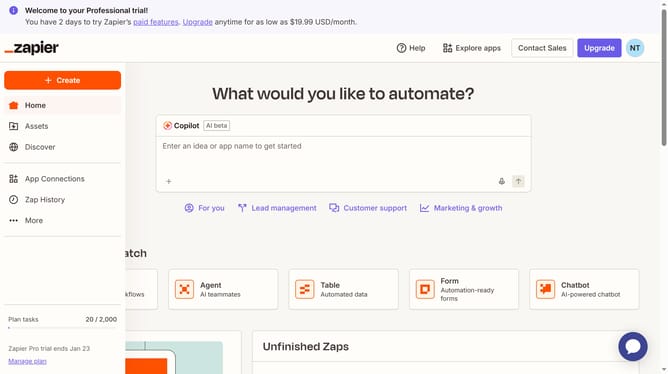
How to turn off a zap in the free plan in Zapier
Here is how to turn off a zap in the free plan in zapier
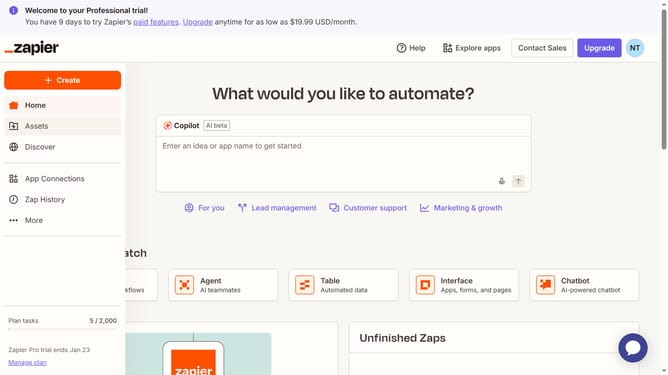
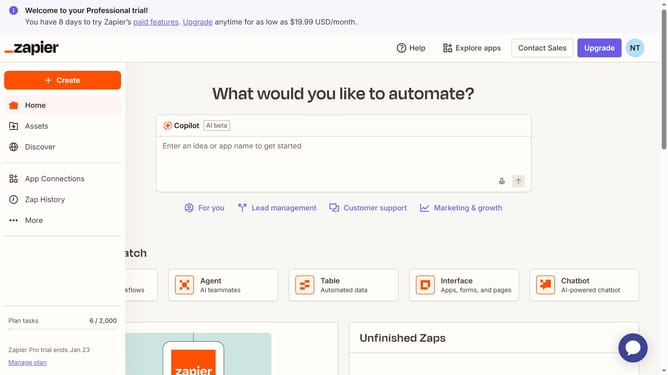
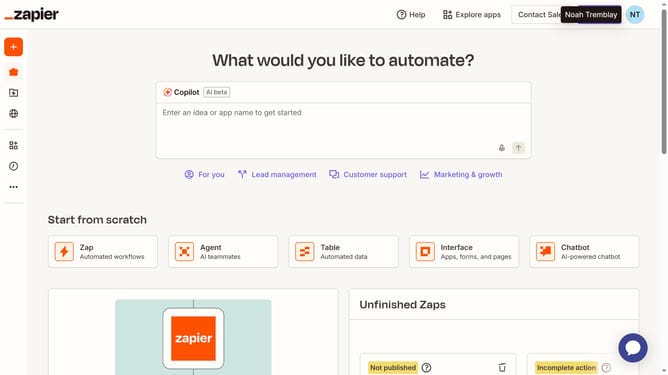
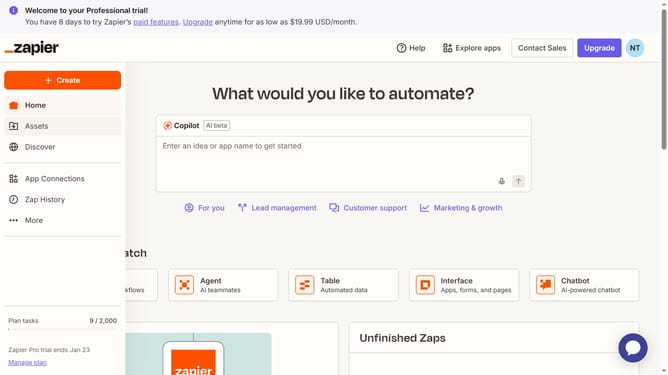
- First scroll the page down and find the Zap you want to disable
- Then click on the zap title to open the workflow
- Finally, toggle the switch in the top toolbar to disable the automation
Why should you turn off a zap in the free plan in Zapier
Zapier is a dynamic tool designed to automate your workflows by seamlessly connecting your favorite apps.
One of the standout features of Zapier is the ability to effortlessly turn off a "zap" within the free plan, which showcases its user-friendly functionality.
This feature allows for quick modifications without disruptions, making it ideal for optimizing your task automations while conserving resources.
By utilizing this option, users gain enhanced control over their integrations, ensuring that their automated tasks align perfectly with current needs.
Last update