How to duplicate a page in a form in Zapier
Here is how to duplicate a page in a form in zapier
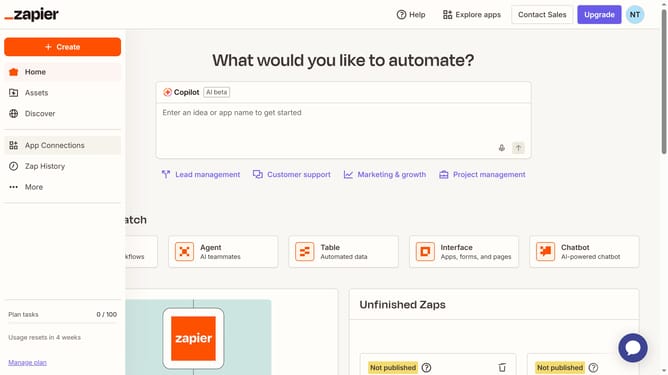
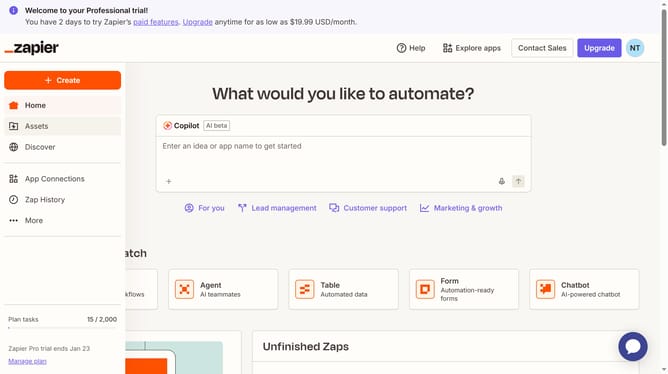
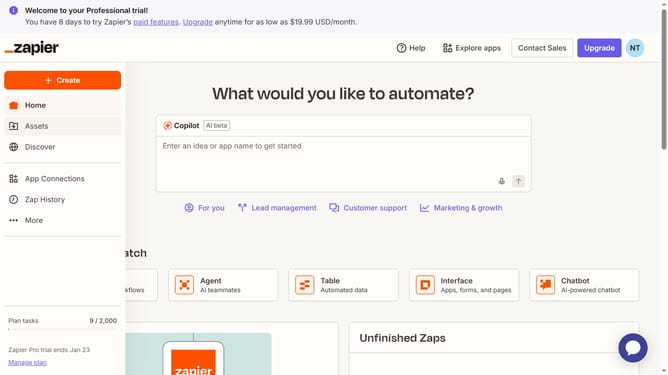
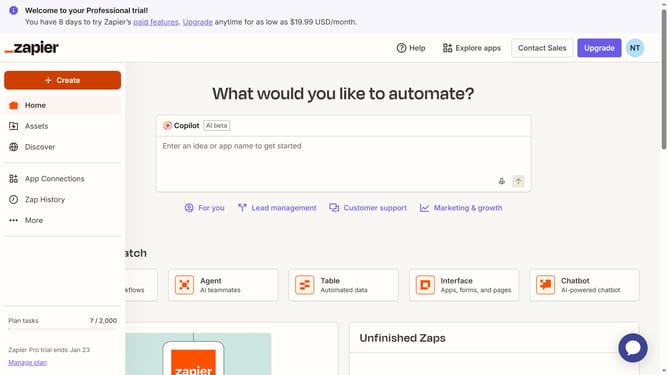
- First click on "Assets" in the left sidebar navigation menu
- Then click on "Forms" in the left sidebar navigation menu
- Then click on the name of the form you want to open from the forms list
- Then click on the three-dot menu button on the page card
- Finally click on "Duplicate page" option in the dropdown menu
Why should you duplicate a page in a form in Zapier
Zapier is an automation platform designed to connect and streamline different web apps effortlessly.
A standout feature in Zapier is the ability to easily duplicate a page in a form, which simplifies repetitive tasks and enhances workflow efficiency.
Using this feature ensures that the layout and structure you, or your team, have perfected can be reused seamlessly, saving time and maintaining consistency across multiple forms.
This ultimately leads to increased productivity, allowing users to focus on more creative or complex tasks rather than routine form recreation.
Last update