How to enable disclosure message in chatbot in Zapier
Here is how to enable disclosure message in chatbot in zapier
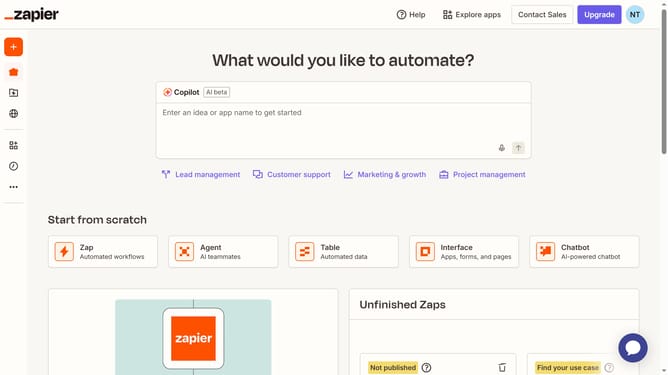
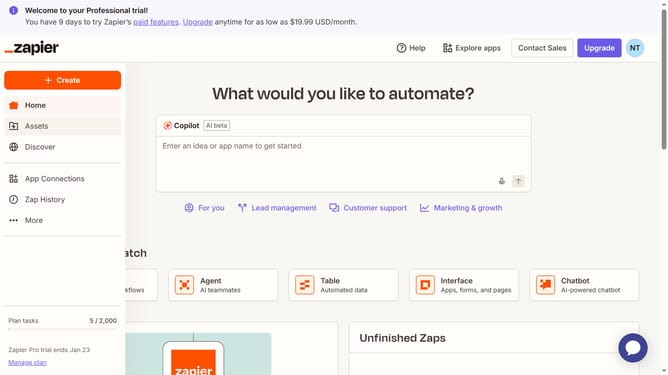
- First click on "Assets" in the left sidebar navigation menu
- Then click on "Chatbots" in the left sidebar under the Assets section
- Next click on the chatbot name that you want to open from the chatbots list
- Then click on "Settings" in the left sidebar under the Build section
- Next click on the "Display disclosure message in Greeting" toggle switch to enable it
- Finally click on the "Save changes" button at the bottom of the settings form
Why should you enable disclosure message in chatbot in Zapier
Zapier is a powerful automation tool that connects your favorite apps, helping you streamline workflows effortlessly.
One compelling feature in Zapier is the ability to enable a disclosure message in chatbots. This feature ensures transparency, informing users about data handling practices and building trust in your interactions.
By incorporating a disclosure message, businesses can enhance user confidence, ensuring compliance with privacy standards and creating a more secure environment.
Integrating this feature is a smart way to foster open communication, promoting a trustworthy and user-friendly experience.
Last update