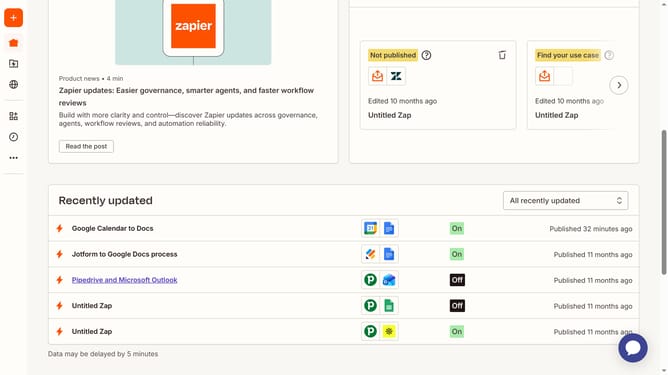
How to add formula field in a form in Zapier
Here is how to add formula field in a form in zapier
- First click on the "Assets" link in the left sidebar navigation menu
- Then click on the "Forms" option in the left sidebar menu
- Next click on the item in the forms list
- Click on the form card the the page screen
- Then click on the "Add field" button in the right panel
- Next click on the "Type" dropdown menu in the new field panel
- Then scroll down and click on the "Formula field" option in the type dropdown menu
- Next click on the "Field name in Table" text input field and enter field title
- Finally click on the "Create field" button at the bottom of the right panel
Why should you add formula field in a form in Zapier
Zapier is an innovative automation platform designed to seamlessly connect different apps and streamline workflows.
One of its impactful features is the ability to add a formula field in a form, allowing users to perform dynamic calculations directly within their automated processes. The formula field provides flexibility and precision, enabling more complex data manipulations.
Integrating formula fields can transform how businesses handle data, offering custom solutions to unique challenges while saving time and reducing manual work.
This feature enhances efficiency by generating real-time calculated results and supporting informed decision-making.
Last update