How to test connection of apps in the free plan in Zapier
Here is how to test connection of apps in the free plan in zapier
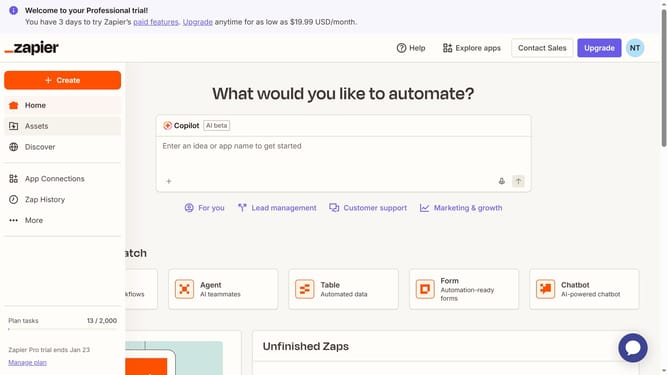
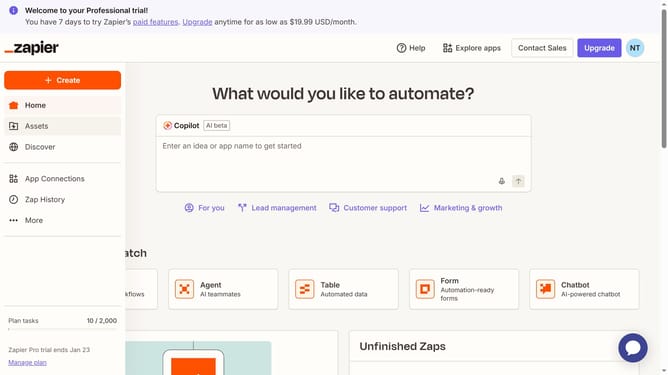
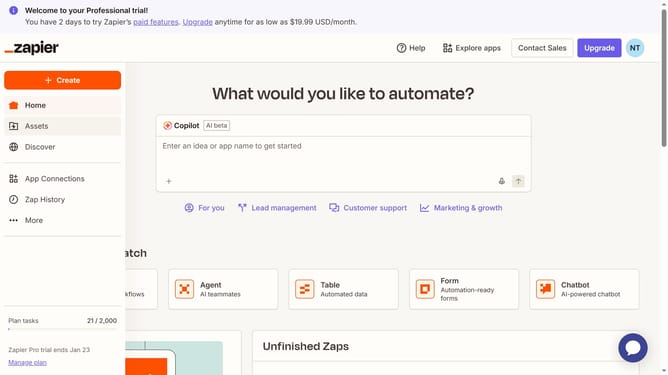
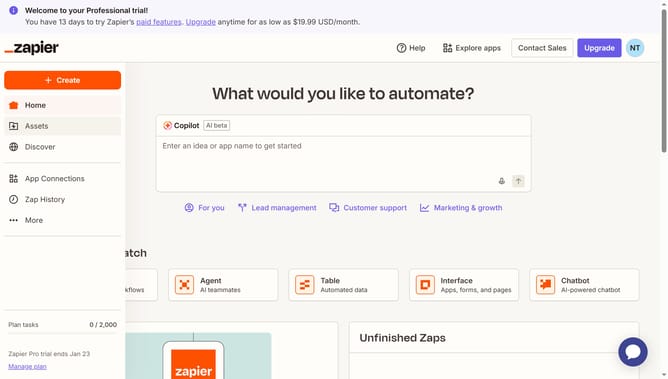
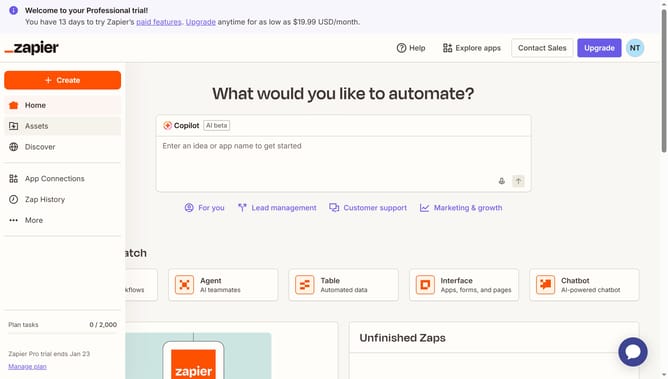
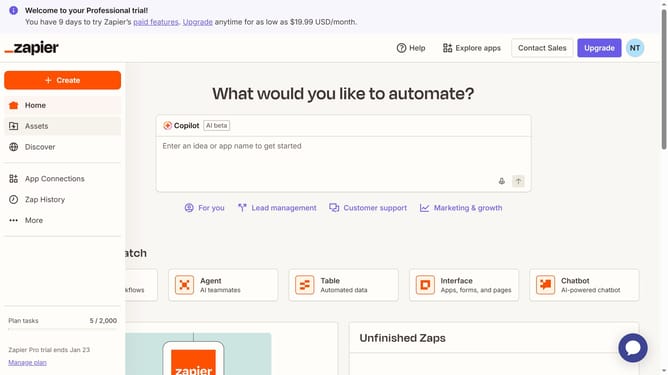
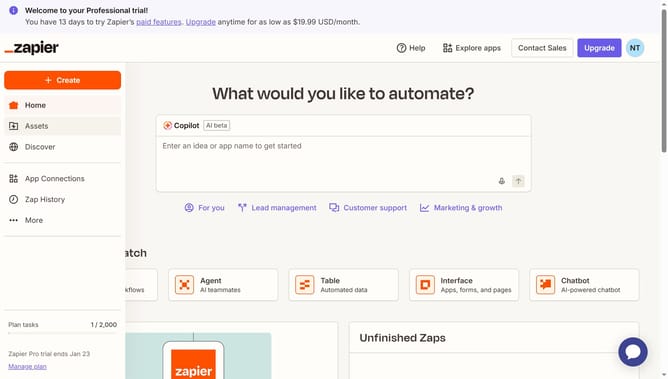
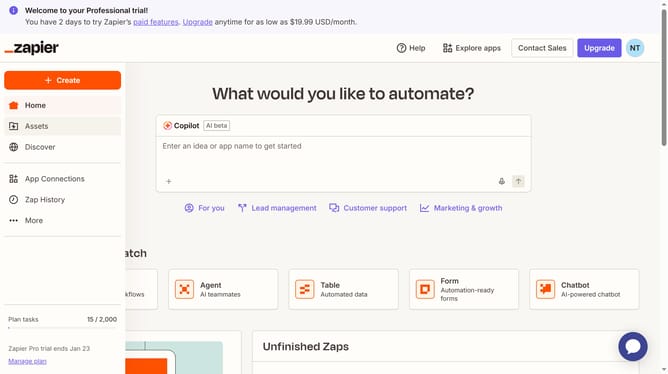
- First click on "App Connections" link in the left sidebar
- Then click on the three vertical dots next to the app you want to text connection
- Finally click on "Test connection" option in the dropdown menu until you see a green checkmark next to the app name
Why should you test connection of apps in the free plan in Zapier
Zapier is an intuitive automation platform that connects your favorite apps to streamline workflows effortlessly.
In the free plan, testing the connection between apps on Zapier ensures seamless integration, helping users identify and resolve issues before they escalate.
This feature offers peace of mind by confirming that automated workflows will execute as intended, enhancing productivity and operational efficiency.
Ultimately, it saves time and reduces errors, fostering a smooth user experience without incurring additional costs.
Last update