How to delete zap versions in Zapier
Here is how to delete zap versions in zapier
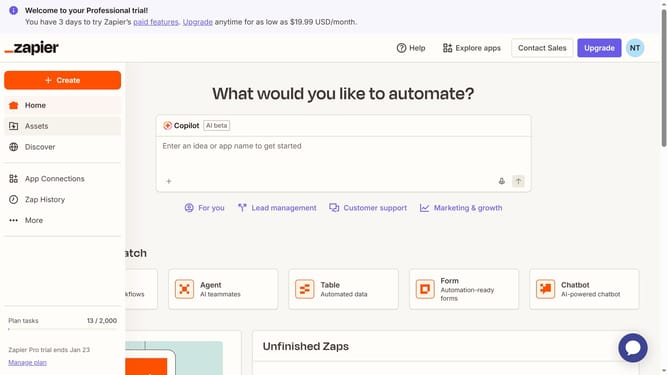
- First click on "Assets" link in the left sidebar
- Then click on "Zaps" item in the left sidebar menu
- Next click on "Zap ver 1" link in the Zaps list
- Then click on "Versions" button in the left sidebar
- Next hover over the draft version to reveal the "Delete draft" option and click it
- Finally click on "Delete draft" button in the confirmation dialog
Why should you delete zap versions in Zapier
Zapier is a seamless automation platform that connects apps, helping users streamline tasks effortlessly.
Managing zap versions effectively is crucial for avoiding clutter and maintaining a streamlined automation process.
One of the features is the ability to delete zap versions, which aids in keeping your workspace organized by removing outdated or unnecessary versions.
This not only enhances efficiency but also improves performance by ensuring that only the most relevant and updated versions of your zaps are in use, paving the way for smoother operations.
Last update