How to manage currency decimal in a form in Zapier
Here is how to manage currency decimal in a form in zapier
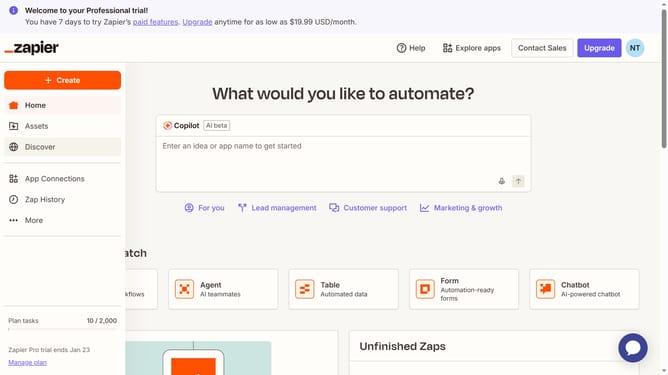
- First click on "Assets" in the left sidebar navigation menu
- Then click on "Forms" in the left sidebar submenu under Assets
- Next click on the form you want to edit from the list to open it
- Then click on the form card in the "Pages" section
- Then click on the currency field in the form
- Then click on the "Decimals" dropdown in the right sidebar Field Settings panel
- Next select an option from the Decimals dropdown menu
- Finally click outside the settings panel to close it and apply changes
Why should you manage currency decimal in a form in Zapier
Zapier is a powerful automation tool that connects your favorite apps, streamlining your workflows effortlessly.
Managing currency decimals in a form within Zapier ensures financial data is precise and consistent across your applications. This feature allows you to handle financial transactions with accuracy, maintaining uniformity in currency formats.
Utilizing this feature in Zapier enhances the reliability of monetary data processing and boosts the efficiency of your financial operations. Improved accuracy minimizes errors and builds trust with stakeholders.
Last update