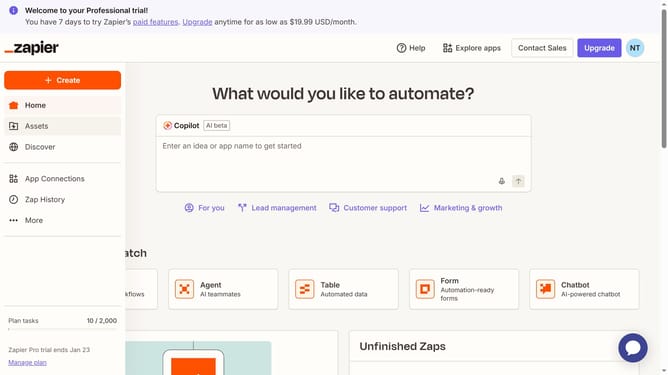
How to delete a folder in the free plan in Zapier
Here is how to delete a folder in the free plan in zapier
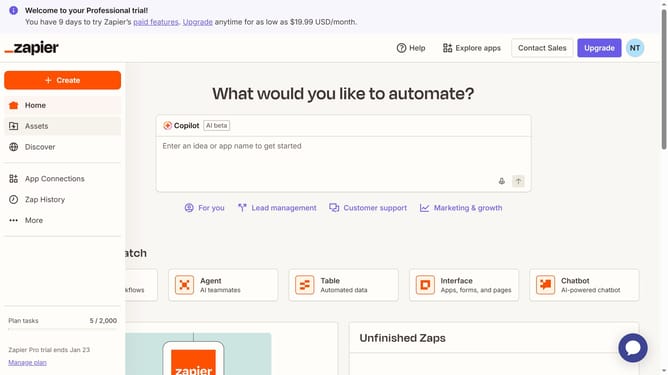
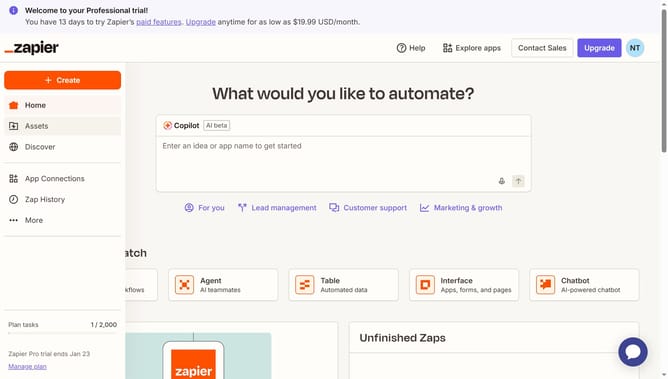
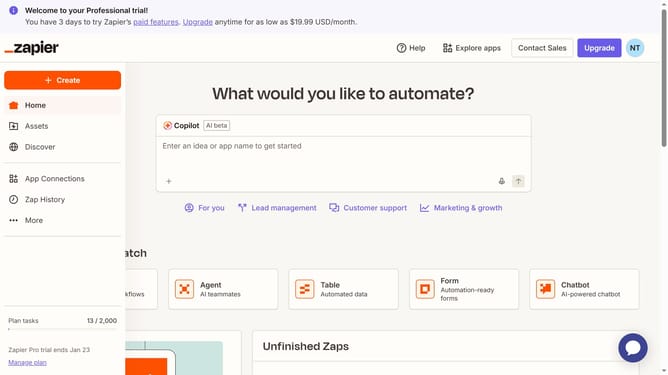
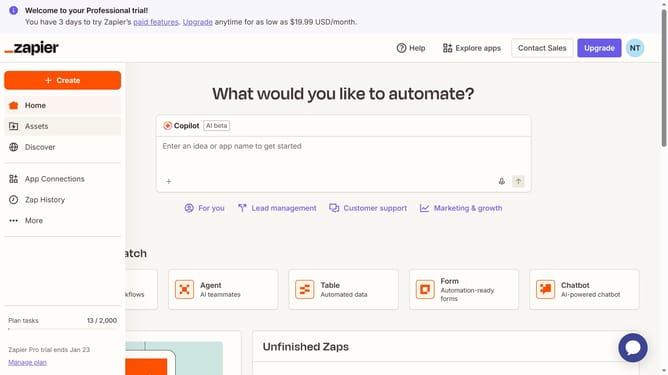
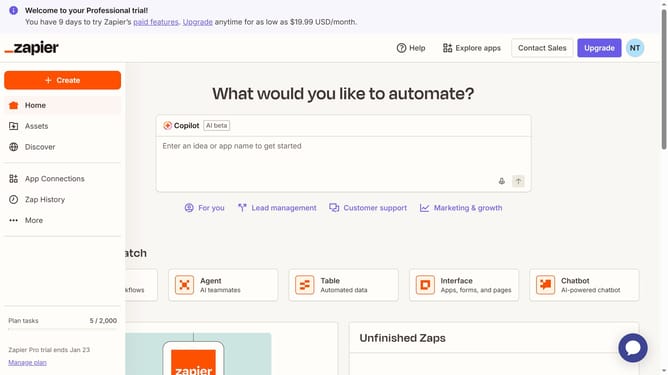
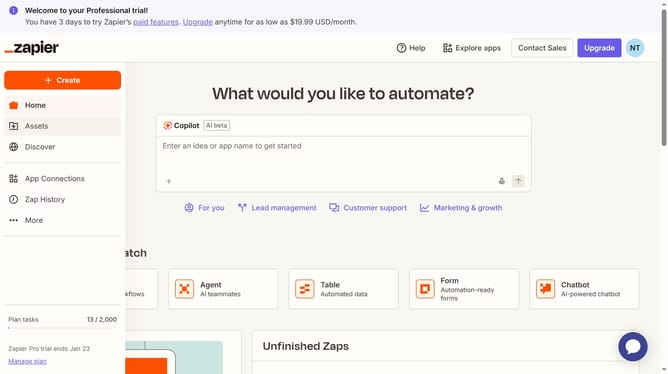
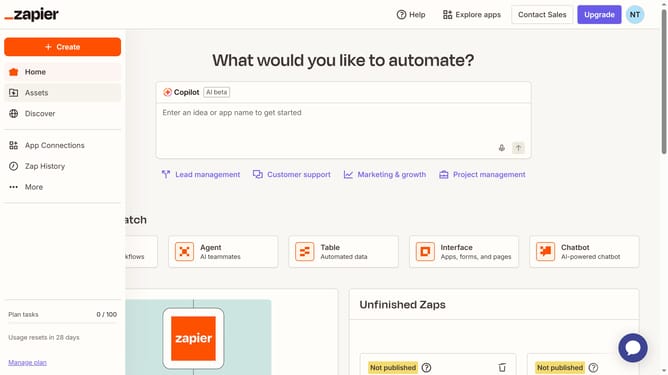
- First click on "Assets" link in the left sidebar navigation menu
- Then click on the three vertical dots next to the folder you want to delete
- Next click on "Delete" option from the folder options dropdown menu
- Finally click on "Delete Folder" button in the confirmation dialog to confirm the deletion
Why should you delete a folder in the free plan in Zapier
Zapier is a versatile automation tool that connects your favorite apps to streamline workflow processes effortlessly.
The ability to delete a folder in Zapier's free plan offers users a clutter-free workspace. By removing unnecessary folders, you can maintain a more organized and efficient environment. This feature is essential for users who need to manage their space effectively, ensuring that their most critical processes stand out clearly.
Keeping your dashboard tidy boosts productivity, reduces confusion, and helps you focus on the tasks that matter most. With Zapier, enjoy seamless automation with simplified management.
Last update