How to manage knowledge settings in chatbot in Zapier
Here is how to manage knowledge settings in chatbot in zapier
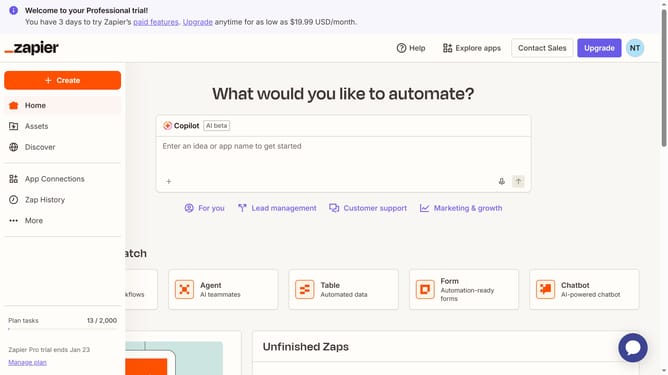
- First click on "Assets" in the left sidebar navigation menu
- Then click on "Chatbots" in the left sidebar under the Assets section
- Next click on the link of the chatbot you want to open from the chatbots list
- Then click on "Knowledge" in the left sidebar under the Build section
- Next click on the "Knowledge settings" button in the main content area
- Then click on the dropdown menu to select an option
- Next click on the "Show a custom message" option from the dropdown menu
- Finally click on the "Save" button to confirm the knowledge source settings
Why should you manage knowledge settings in chatbot in Zapier
Zapier is a powerful automation platform that connects your apps and streamlines workflows seamlessly.
Managing knowledge settings in Zapier’s chatbot feature enhances how efficiently your bot interacts with users.
By organizing and updating knowledge settings, chatbots can deliver precise and relevant responses, enriching the user experience.
This feature allows businesses to tailor chat interactions, leading to increased satisfaction and engagement from customers.
Last update