How to delete a form in Zapier
Here is how to delete a form in zapier
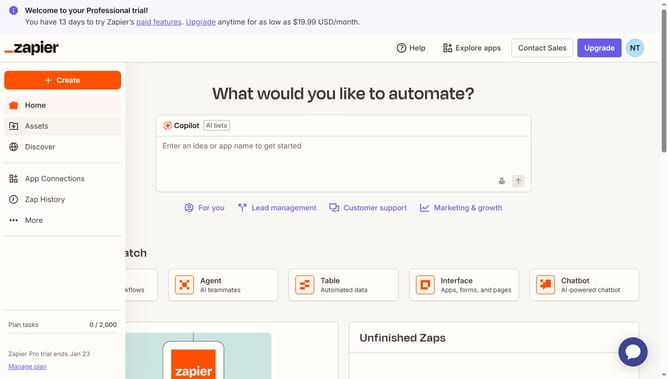
- First click on "Assets" link in the left sidebar
- Then click on "Forms" item in the left sidebar navigation menu
- Then scroll the list to the right
- Then click on the three-dot menu button in the "Form actions" column for the second form row
- Then click on "Delete" option from the dropdown menu
- Finally click on "Delete" button in the confirmation dialog modal
Why should you delete a form in Zapier
Zapier connects your favorite apps to automate workflows and boost productivity.
Deleting a form in Zapier is a simple feature that enhances your workflow management. Simplifying the process of removing outdated or redundant forms offers clarity and efficiency.
Keeping your workspace tidy not only streamlines tasks but also minimizes distractions, allowing you to focus on current projects.
This straightforward function saves time, ensuring your Zapier experience remains efficient and user-friendly.
Last update