How to select a default color in chatbot in Zapier
Here is how to select a default color in chatbot in zapier
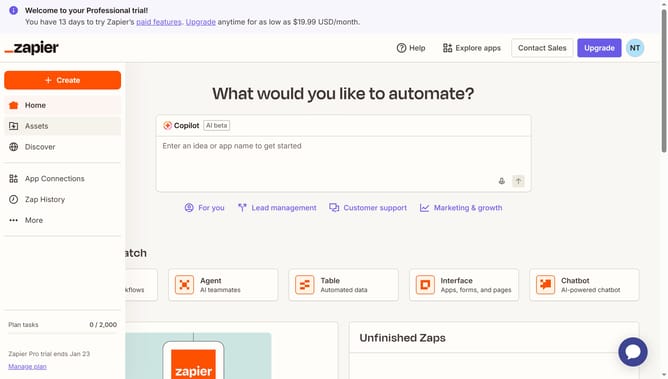
- First click on "Assets" in the left sidebar navigation menu
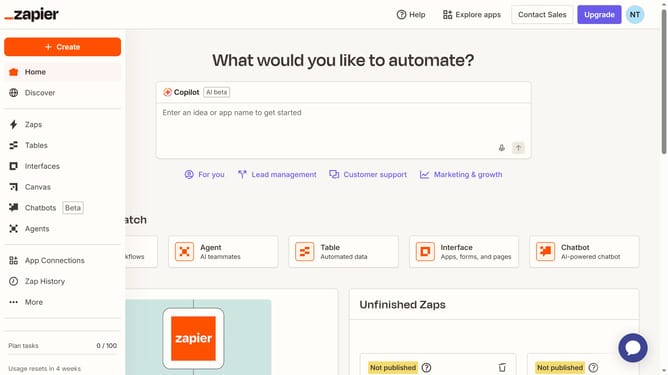
- Then click on "Chatbots" in the left sidebar under the Assets section
- Next click on the chatbot name you want to open in the chatbots list
- Then click on "Theme" in the left sidebar under the Build section
- Next scroll down and click on the color option in the Appearance section
- Then choose from the color selection in the Theme settings
- Finally click on "Save changes" button at the bottom of the Theme panel
Why should you select a default color in chatbot in Zapier
Zapier is a powerful automation tool that connects your favorite apps, streamlining workflows with ease.
Selecting a default color for your chatbot in Zapier is a simple feature with impactful benefits.
By choosing a uniform color theme, you create a consistent user experience that enhances brand recognition and engagement.
Using this feature enhances visual harmony across platforms, reinforcing your brand identity with every interaction.
Last update