How to manage currency format in a form in Zapier
Here is how to manage currency format in a form in zapier
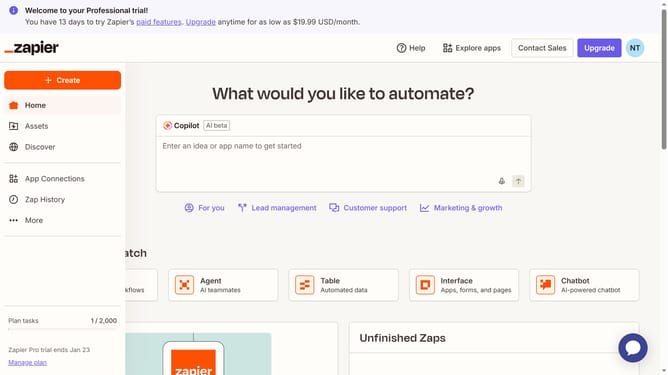
- First click on "Assets" in the left sidebar navigation menu
- Then click on "Forms" in the left sidebar navigation menu
- Next click on the form you want to edit from the list to open it
- Then click on the form card in the "Pages" section
- Then click on the currency field in the form
- Then click on the "Currency format" dropdown in the right panel Field Settings
- Then select an option from the Currency format dropdown menu
- Finally close the field settings panel by clicking outside the highlighted area
Why should you manage currency format in a form in Zapier
Zapier is a powerful automation tool designed to connect your favorite apps and automate workflows seamlessly.
Managing currency formats in forms within Zapier is a breeze, ensuring your data is consistent and understandable.
This feature allows you to automatically format currencies as data moves between applications, saving you time on manual adjustments.
Using this option enhances your data accuracy, facilitates international business transactions, and provides clarity for financial records.
Last update