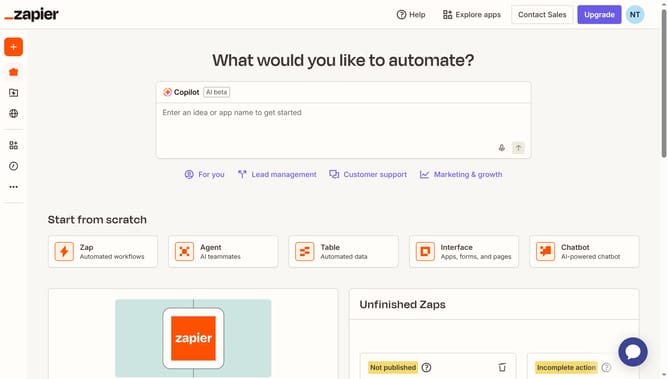
How to duplicate an agent in Zapier
Here is how to duplicate an agent in zapier
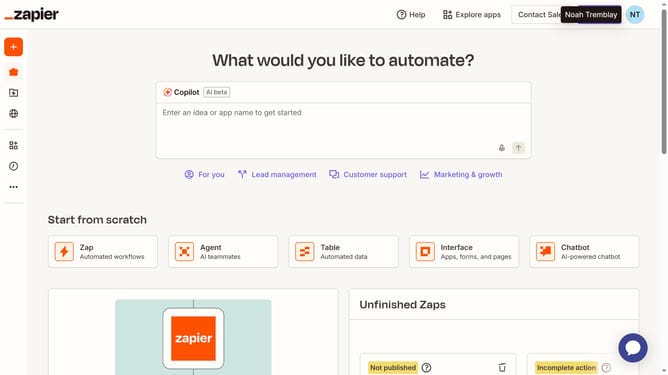
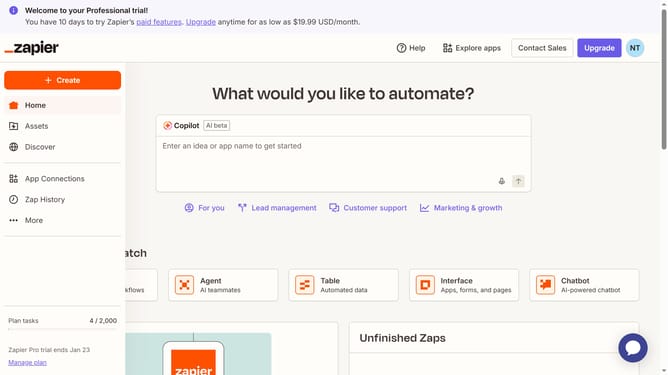
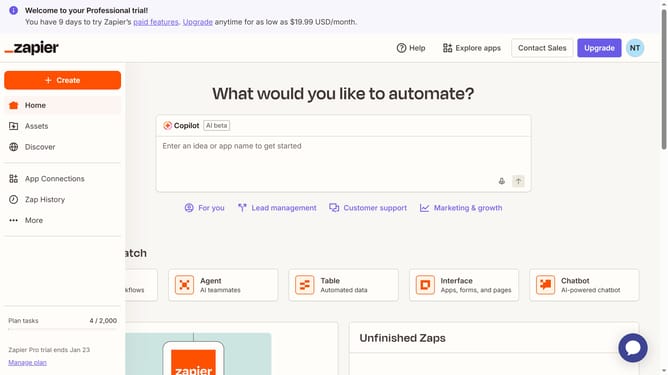
- First click on "Assets" in the left sidebar navigation menu
- Then click on "Agents" in the left sidebar submenu under Assets
- Next click on the three-dot menu button on the agent card that you want to duplicate from the main content area
- Finally click on "Duplicate agent" option in the dropdown menu
Why should you duplicate an agent in Zapier
Zapier is a dynamic automation platform that seamlessly connects your apps and automates workflows.
One of its standout features is the ability to duplicate an agent, making workflow replication simple and efficient. This feature is particularly beneficial when you want to maintain existing settings and integrations without starting from scratch.
By duplicating an agent, you save time and ensure consistency across your processes. This leads to enhanced productivity, as you can quickly implement successful workflows to new projects or teams with minimal effort.
Ultimately, the ability to duplicate an agent empowers you to scale your operations smoothly, leveraging well-established processes to drive business success.
Last update