How to duplicate a row or record in a table in Zapier
Here is how to duplicate a row or record in a table in zapier
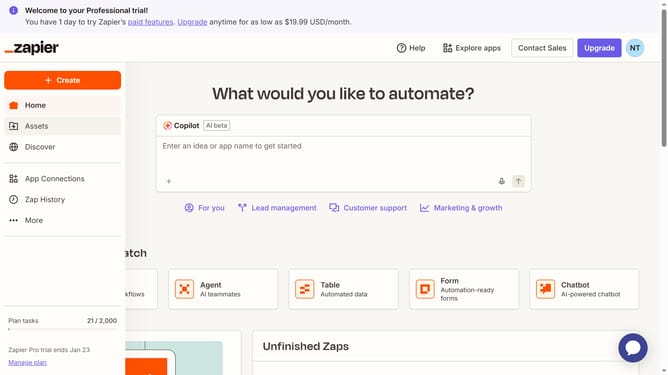
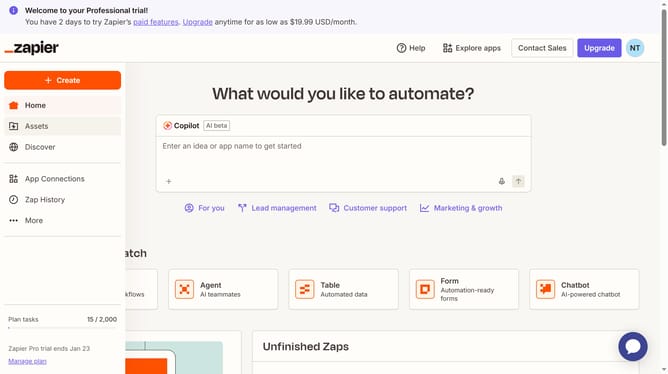
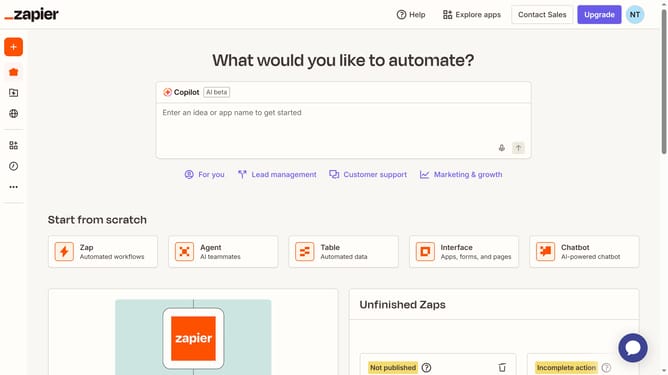
- First click on "Assets" link in the left sidebar
- Then click on "Tables" item in the left sidebar navigation
- Next click on the table link from the tables list
- Then click on the row menu button for the row you want to duplicate view record details
- Next click on the three-dot menu button in the record details panel header
- Finally click on "Duplicate record" option from the dropdown menu
Why should you duplicate a row or record in a table in Zapier
Zapier is a versatile tool that automates workflows by connecting your favorite apps seamlessly.
Duplicating a row or record in a Zapier table is straightforward yet remarkably powerful. This feature allows you to replicate data quickly, ensuring consistency and saving time.
Employing this feature enhances productivity by minimizing repetitive tasks. It's an ideal way to ensure data accuracy across various applications without manual intervention.
Ultimately, effortlessly duplicating records facilitates smoother, more efficient operations in your automated processes.
Last update