How to set a default view on folders in Zapier
Here is how to set a default view on folders in zapier
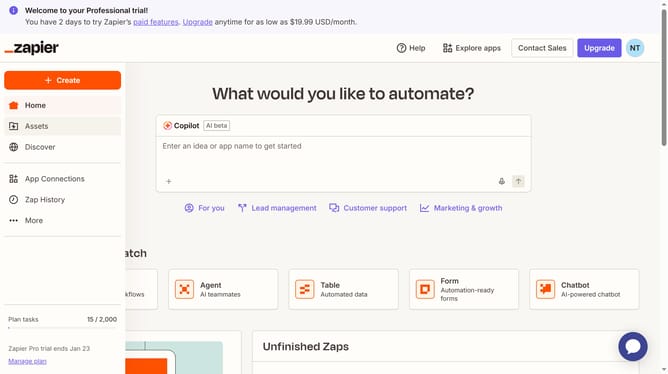
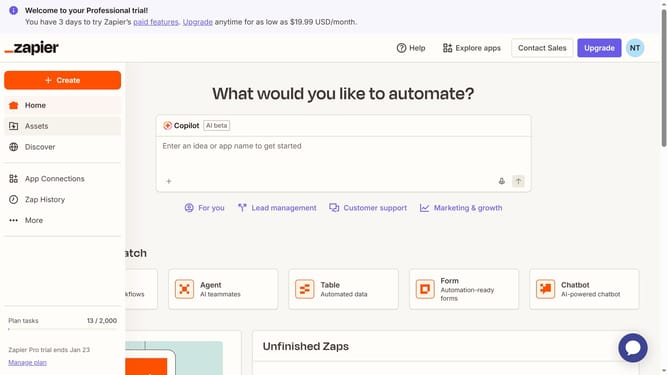
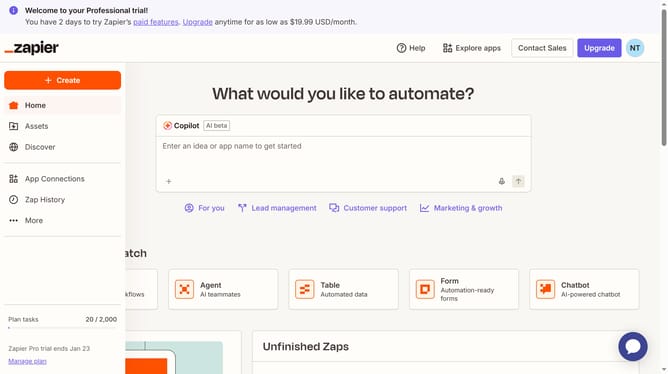
- First click on "Assets" link in the left sidebar navigation menu
- Then click on the "All folders" dropdown filter button in the top toolbar
- Next select an option from the dropdown menu
- Finally click on the "Save as default view" bookmark icon button in the top toolbar
Why should you set a default view on folders in Zapier
Zapier is a dynamic tool that connects your apps and automates workflows, streamlining your daily tasks seamlessly.
The feature to set a default view on folders in Zapier enhances your organizational capabilities, allowing a tailored approach to how you access your workflows. This personalized setup ensures that each time you open Zapier, you're instantly greeted with the information most relevant to your productivity needs.
By customizing folder views, users can save time and reduce friction in finding essential workflows, driving more efficient project management and optimization of tasks.
Last update