How to set monthly all knowledge sync in chatbot in Zapier
Here is how to set monthly all knowledge sync in chatbot in zapier
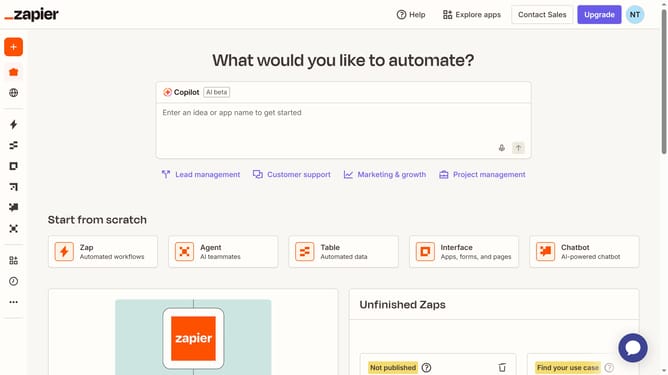
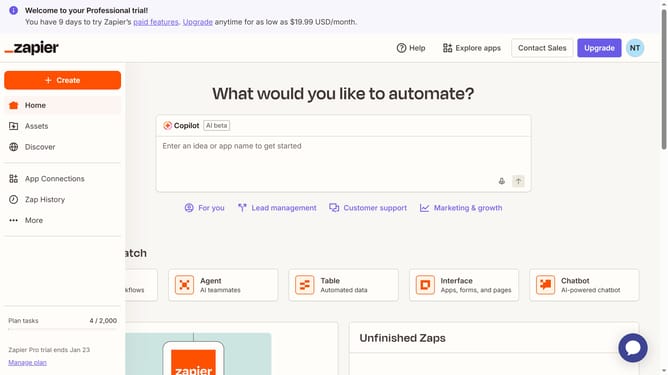
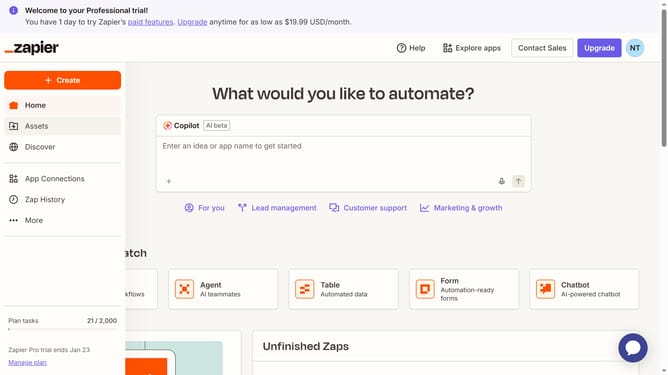
- First click on the chatbot link in the Recently updated section in the homepage
- Then click on the "Knowledge" menu item in the left sidebar
- Next click on the "Schedule all" button in the Knowledge sources section
- Then click on the "Frequency" dropdown in the Edit schedule dialog
- Next select the "Daily" option from the Frequency dropdown menu
- Then click on the "On the" day selector dropdown
- Next select from the day selector dropdown options
- Then click on the weekday dropdown button
- Next select a day from the weekday dropdown options
- Then click on the "Between" time range dropdown
- Next select from the time range options
- Finally click on the "Save" button to confirm the schedule changes
Why should you set monthly all knowledge sync in chatbot in Zapier
Zapier is an innovative automation platform that seamlessly connects apps to streamline workflows.
With the ability to set a monthly all-knowledge sync for your chatbot in Zapier, staying updated becomes effortless. This feature ensures that your chatbot is consistently informed with the latest data across all connected platforms.
Using this integration not only saves time but also enhances the efficiency of your chatbot, improving conversational accuracy and enriching user interaction. Experience a smoother workflow and better communication with Zapier's smart syncing abilities.
Last update