How to add a document as a knowledge source in chatbot in Zapier
Here is how to add a document as a knowledge source in chatbot in zapier
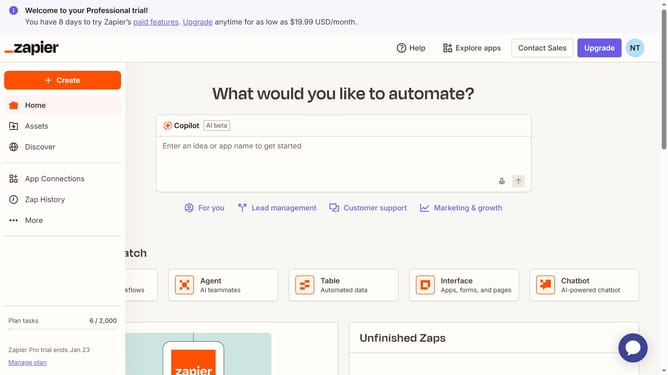
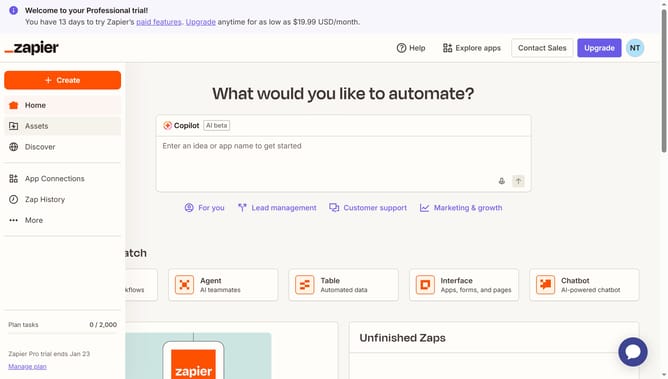
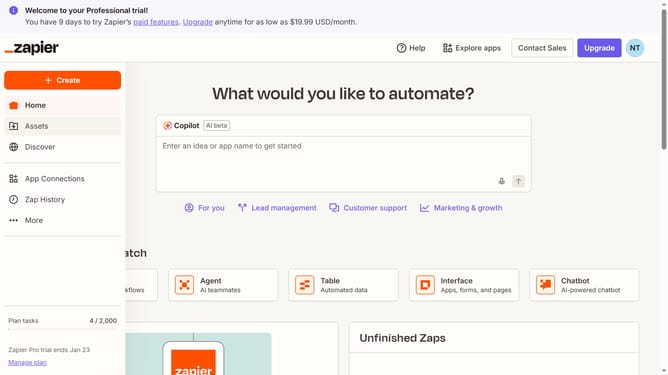
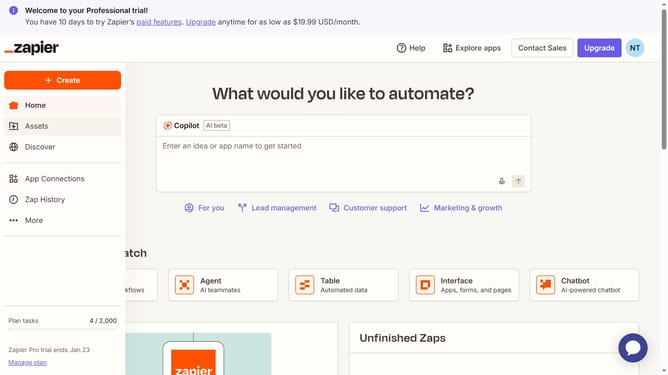
- First click on "Assets" in the left sidebar navigation menu
- Then click on "Chatbots" in the left sidebar navigation menu
- Next click on the chatbot you want to open from the link in the chatbots list
- Then click on "Knowledge" in the left sidebar navigation menu under the Build section
- Next click on "Add source" button in the top right corner of the Knowledge sources section
- Then click on the "Type" dropdown menu to expand the source type options
- Next select "Google Doc" option from the Type dropdown menu
- Then click on the "Account" dropdown menu to view available Google accounts
- Next click on the google account you want to use from the dropdown menu
- Next click on the "Google Docs" dropdown menu to select a document
- Then select the name of the document from the Google Docs dropdown list
- Finally click on "Add source" button at the bottom right of the dialog to confirm
Why should you add a document as a knowledge source in chatbot in Zapier
Zapier is a powerful automation platform that connects your apps and simplifies workflow management.
Adding a document as a knowledge source in Zapier's chatbot elevates its ability to provide accurate, detailed responses.
This feature allows your chatbot to reference a wide array of information, ensuring users receive comprehensive answers every time.
Utilizing this capability leads to enhanced user engagement and satisfaction, as interactions become more informative and efficient.
Last update