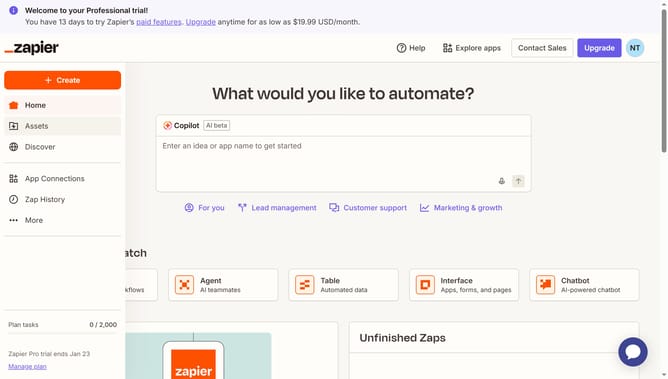
How to sort fields in a table in Zapier
Here is how to sort fields in a table in zapier
- First click on "Assets" in the left sidebar navigation menu
- Then click on "Tables" in the left sidebar navigation menu
- Next click on the table link in the main content area
- Then click on the column header that you want to sort to open the column menu
- Finally click on the sort option in the menu
Why should you sort fields in a table in Zapier
Zapier is an intuitive automation platform that enables effortless integration between apps to streamline workflows.
One of Zapier’s valuable features is the ability to sort fields in a table, enhancing data organization and efficiency. This function provides users with the capability to arrange information in a logical, easily understandable manner, which is crucial for efficient analysis and decision-making.
By using this sorting feature, individuals can quickly identify trends and patterns, leading to better insights and more informed choices. This ability to customize data views according to specific needs significantly boosts productivity and clarity in project management.
Last update