How to allow multiple selections in a dropdown table in Zapier
Here is how to allow multiple selections in a dropdown table in zapier
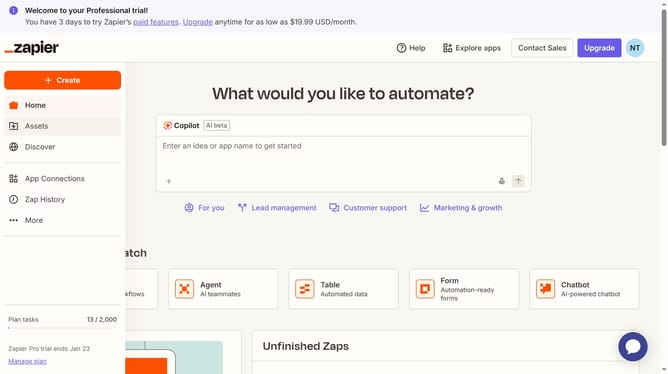
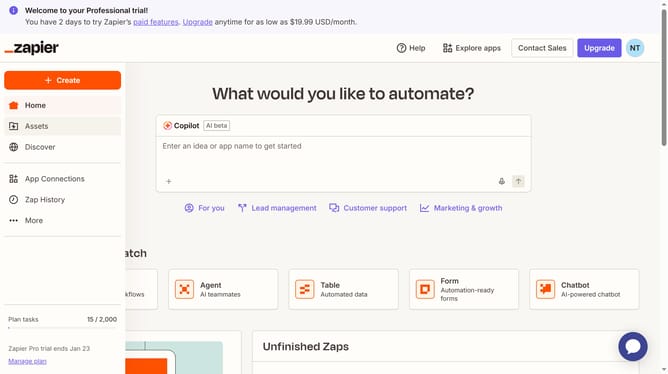
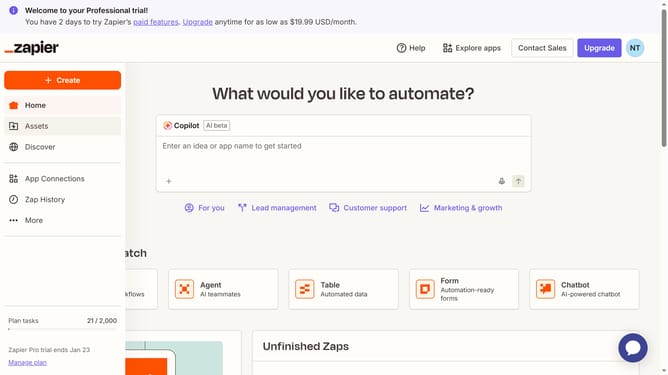
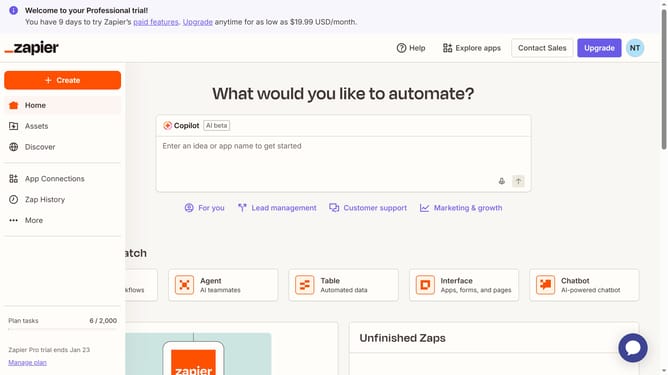
- First click on "Assets" in the left sidebar navigation menu
- Then click on "Tables" in the left sidebar navigation menu
- Next click on the table name from the tables list
- Then click on the drop down column header to open the column menu
- Next click on "Edit field" option from the dropdown menu
- Then click on the "Allow multiple selections" checkbox to enable multi-select
- Next click on the "Save" button to save the field changes
- Finally click on the "Convert" button in the confirmation dialog to convert the field to multi-select dropdown
Why should you allow multiple selections in a dropdown table in Zapier
Zapier is a powerful automation tool designed to connect apps and streamline workflows effortlessly.
The ability to allow multiple selections in a dropdown table on Zapier enhances flexibility, enabling users to process multiple data points simultaneously. This feature is especially beneficial for users managing complex datasets, as it greatly improves data handling efficiency.
By facilitating multiple choices, it offers a significant boost in productivity, reducing the time spent on repetitive data entry tasks and ensuring more accurate information flow across applications.
Last update