How to manage view size of a canvas in Zapier
Here is how to manage view size of a canvas in zapier
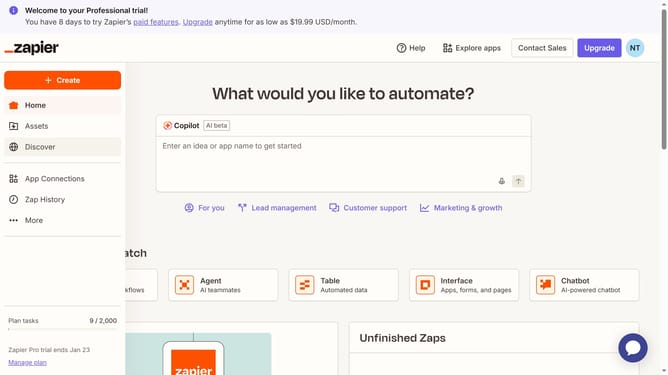
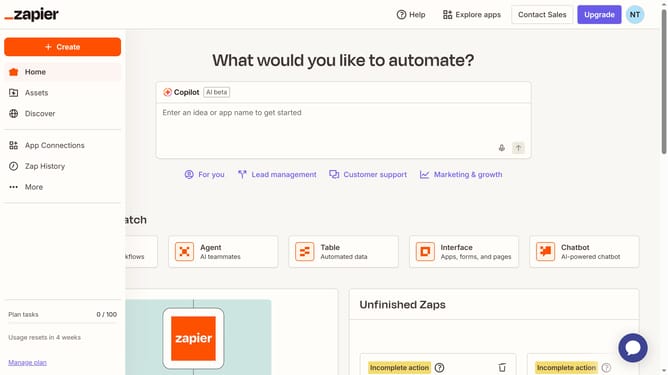
- First click on "Assets" in the left sidebar navigation menu
- Then click on "Canvases" in the left sidebar navigation menu
- Next click on the canvas name that you want to open from the main content area
- Then click on the zoom dropdown button in the top toolbar
- Finally select a zoom option from the zoom dropdown menu
Why should you manage view size of a canvas in Zapier
Zapier seamlessly connects and automates your apps without code.
Managing the view size of a canvas in Zapier allows for personalized workspace customization. Adjusting the canvas size ensures a clear overview of your workflows, enhancing focus and organization.
Optimizing view size fosters productivity as you effectively manage complex automation processes. With tailored visualization, identifying key actions and connections becomes intuitive, streamlining your experience.
Last update