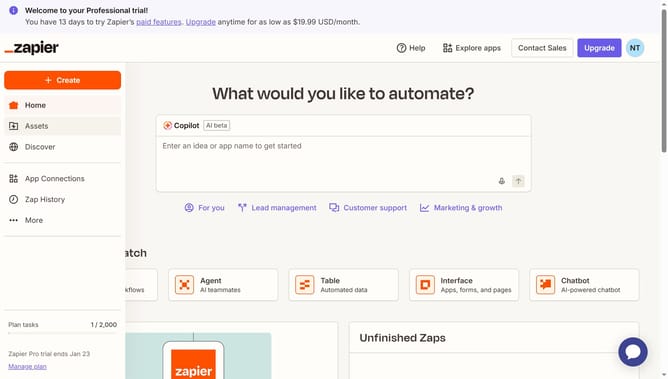
How to manage form access with password in Zapier
Here is how to manage form access with password in zapier
- First click on the "Assets" item in the left sidebar navigation menu
- Then click on the "Forms" item in the left sidebar navigation menu
- Then click on the name of the form you want to modify from the forms list
- Then click on the card in the Pages section to view the form page
- Next click on the "Access & users" icon in the left sidebar to open access settings
- Then click on the "Access" dropdown menu showing "Anyone with the link"
- Next select the "Anyone with the password" option from the dropdown menu
- Then click on the "Form password" input field and enter a password
- Next click on the "Confirm password" input field and enter the same password
- Finally click on the "Save changes" button to apply the password protection settings
Why should you manage form access with password in Zapier
Zapier is an innovative automation tool that connects your favorite apps, streamlining workflow and enhancing productivity.
Incorporating password protection for form access in Zapier is a smart feature to ensure data privacy and security.
This capability is particularly beneficial for managing sensitive information by granting access exclusively to authorized users.
By maintaining form security, you protect confidential data and reinforce trustworthy operations across your connected platforms.
Last update