How to set a default view of the tables in Zapier
Here is how to set a default view of the tables in zapier
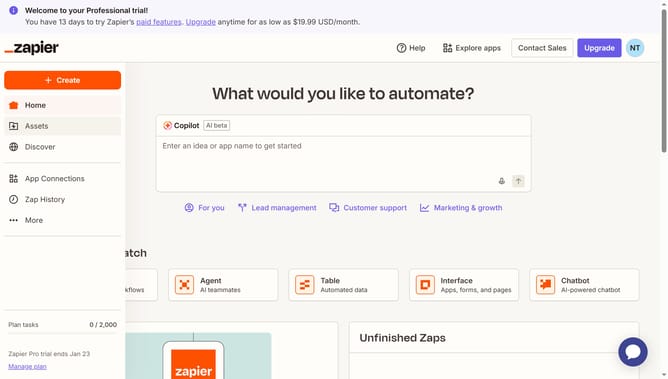
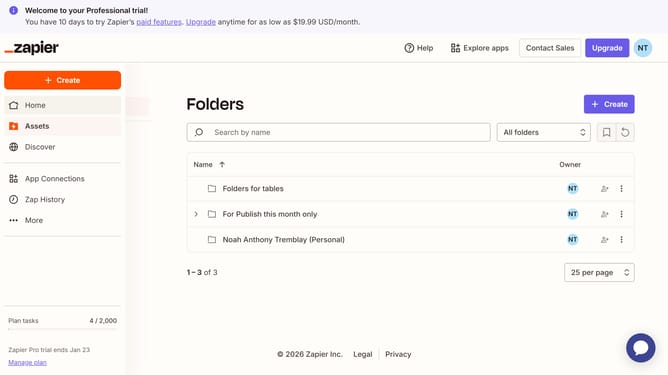
- First click on "Assets" link in the left sidebar
- Then click on "Tables" item in the left sidebar navigation
- Next click on the "All tables" dropdown filter box
- Then select an option from the dropdown menu
- Finally click on the "Save as default view" bookmark icon button
Why should you set a default view of the tables in Zapier
Zapier is a powerful automation tool that connects your favorite apps to streamline workflows and boost productivity.
Setting a default view of tables in Zapier allows users to customize the way data is presented, ensuring that the most relevant information is always front and center.
This feature enhances your efficiency by reducing the time spent searching for critical data, ultimately optimizing your task management.
By tailoring the display to match your specific needs, you'll enjoy a personalized experience that aligns perfectly with your working style.
Last update