How to restore a deleted zap in the free plan in Zapier
Here is how to restore a deleted zap in the free plan in zapier
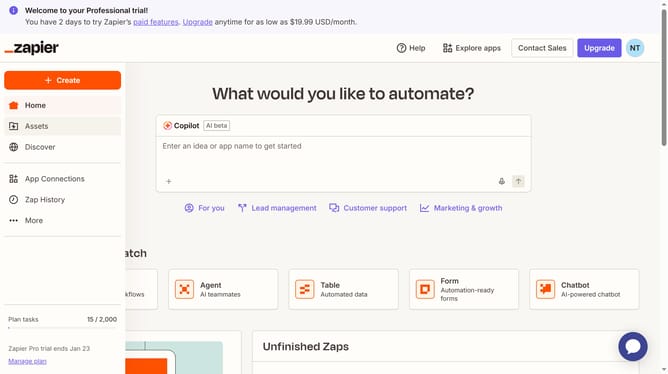
- First click on "Assets" link in the left sidebar navigation menu
- Then click on "Zaps" item in the left sidebar navigation menu
- Next click on "Trash" button in the top toolbar area
- Then click on the three-dot menu icon in the "Owner" column for the first zap in the trash list
- Next click on "Move to folder" option in the dropdown menu
- Then click on the name of the folder where you want the zap to be restored
- Finally click on "Move to folder" button at the bottom of the dialog to confirm the action
Why should you restore a deleted zap in the free plan in Zapier
Zapier is an innovative automation tool that seamlessly integrates your favorite apps to enhance productivity.
For users on the free plan, the ability to restore a deleted zap ensures your automation efforts are never lost.
Reinstating deleted zaps provides a safety net, saving time and allowing you to maintain workflow continuity without starting from scratch.
This feature underscores Zapier's commitment to a user-friendly experience, where peace of mind and efficiency go hand in hand.
Last update