How to add a trigger in the free plan in Zapier
Here is how to add a trigger in the free plan in zapier
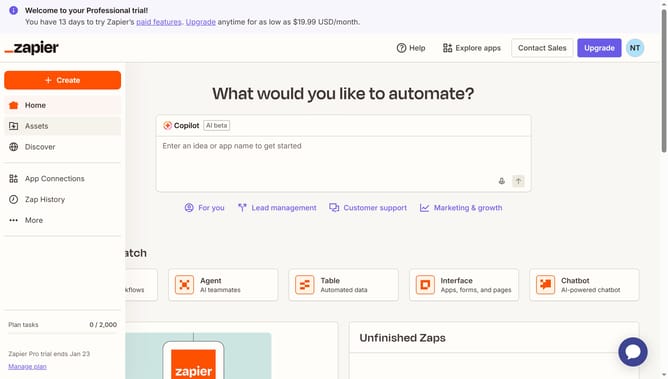
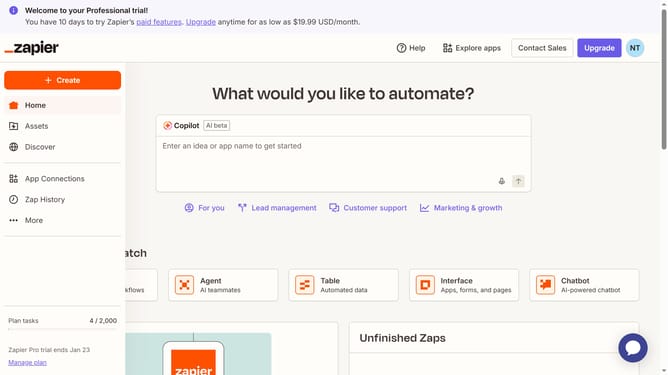
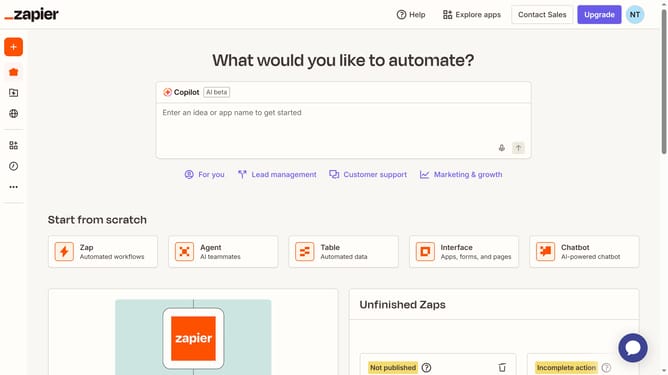
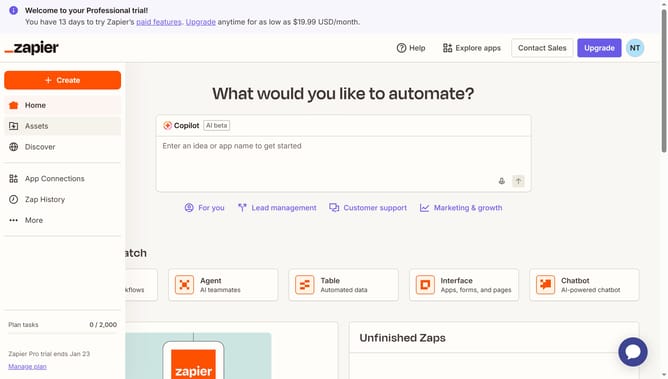
- First click on the "Create" button in the left sidebar
- Then click on "Zaps" option in the dropdown menu
- Then click on the "Trigger" section to select the event that starts your Zap
- Then click from the app options
- Then click on the "Trigger event" menu to open the event options
- Then select from the trigger event options
- Then click on the "Select" button in the Account section to connect to the chosen account
- Then select the radio button of the chosen email address from the selection modal
- Then click on the "Continue" button at the bottom of the right panel
- Then click on the "Calendar" field in the Configure section
- Then select the radio button of the selected account
- Finally click on the "Continue" button to proceed with the configuration
Why should you add a trigger in the free plan in Zapier
Zapier is an innovative tool that seamlessly connects different apps to automate workflows effortlessly.
Adding a trigger in the free plan of Zapier is a powerful feature that enables users to kick-start automated tasks, saving time and enhancing productivity.
Incorporating a trigger allows workflow processes to begin immediately once specific conditions in an app are met, ensuring no steps are missed.
This function is immensely beneficial for individuals or small businesses looking to streamline operations without heavy investments.
Last update